Checkout
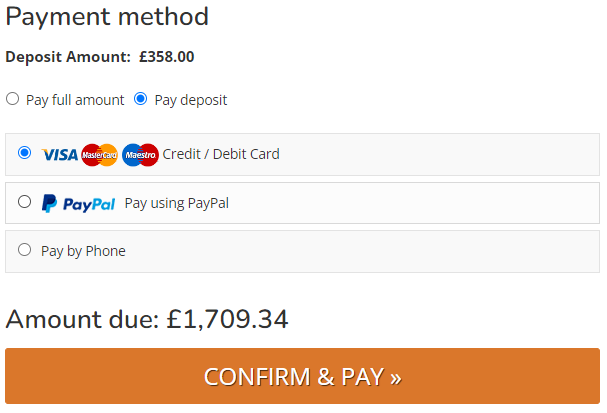
Pay with Deposit
If enabled, the customer will be able to Pay with Deposit for any order for any order over a minimum value.
The deposit percentage and minimum item value are controlled in Site Settings.
The deposit is calculated as a percentage of products which meet the minimum criteria; items which do not will be charged in full, e.g. customer orders a sofa for £3000 and with a 12 week lead time, and also a lamp for £50 which is in stock. The lamp does not meet the minimum criteria, so in addition to the 10% deposit on the sofa, the customer will be asked to pay in full for the sofa; their 'deposit' is £350. This is done to protect the retailer as this item will be delivered sooner than the other.
How it Displays
Retrieve a Quote
If a Customer has been given a quote, this can be retrieved for online checkout.
Quote Retrieval
The Customer will receive an email with a link to retrieve the quote; they can use this.
Alternatively, there is a link in your website footer for retrieve a quote'
The customer will have to enter their Quote Reference and postcode.
Anatomy of a Quote
Upon retrieval, a customer will see this screen:
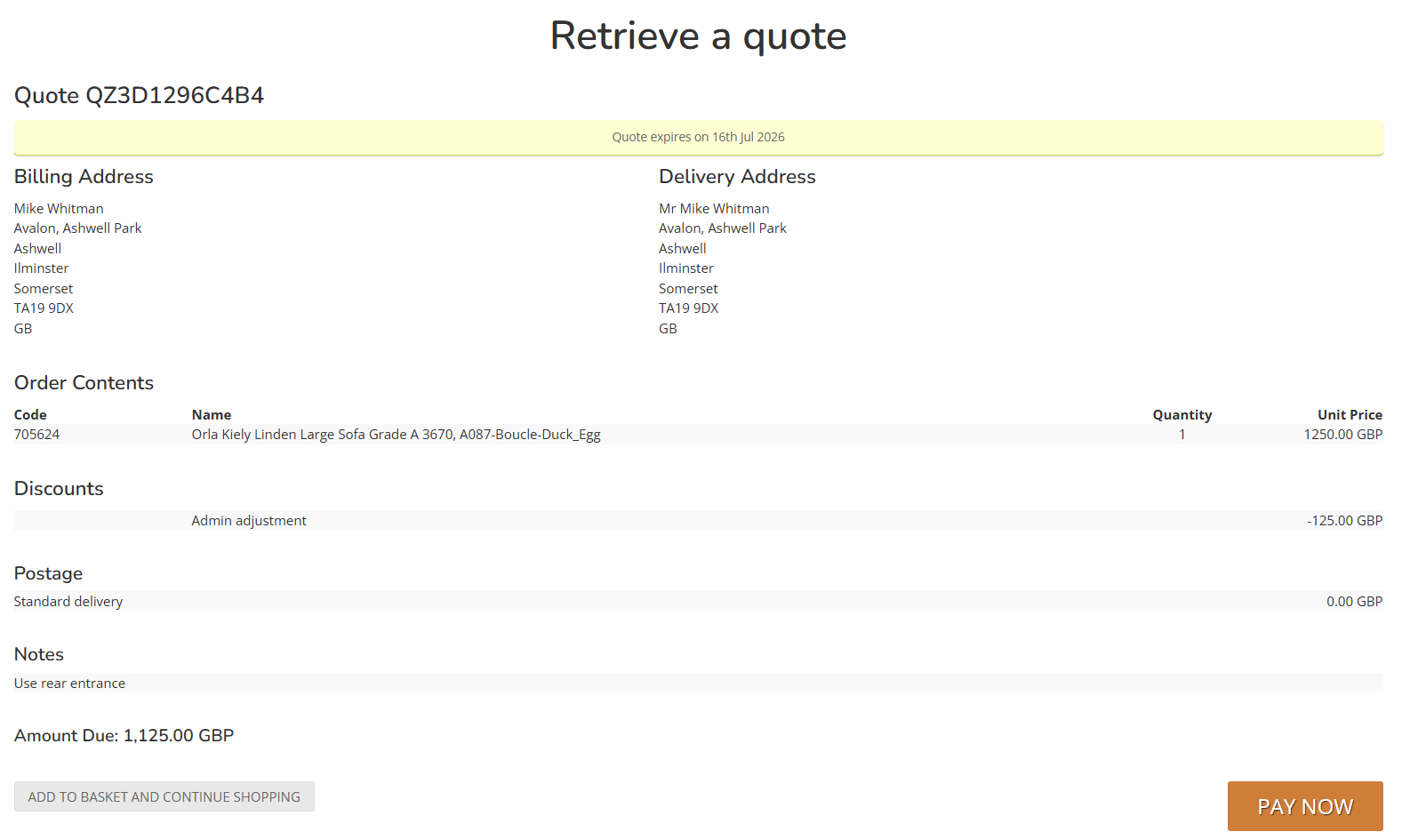
If a Customer clicks 'Pay Now' they will be taken to the final step of the eCommerce checkout, and will be able to select from all available payment types.
Tracking & Logging
There are two scenarios:
- A Customer retrieves their Quote and immediately checks out online - in this instance:
-
- Salesperson will be retained against the new Sales Order (as per the Quote)
- Sales Store will be retained against the new Sales Order (as per the Quote)
- Sales Date will be updated to match the day the Customer made a payment
-
- A Customer retrieves their Quote and amends it online, either by adding or removing items, before completing their purchase
-
- The Quote will be cancelled
- A brand new eCommerce Sales Order will be created
- Sales Store and Salesperson will not be retained
-