When purchasing hardware, please see our provider page [here](https://www.pos-hardware.co.uk/pages/omnis-retail-platform)
### Monitors and Touchscreen Devices Our software is compatible with a wide variety of devices. It is optimised to run on touchscreen or via a tradition mouse and keyboard setup. At your till point, you will need a device that can connect to the internet via a browser. If you want to use a barcode scanner at point of sale, you will need a device with suitable connectivity, e.g. Bluetooth or USB. ### Barcode Scanners IXO Commerce is compatible with any keyboard wedge or HID barcode scanner. Typically, we recommend either Bluetooth or USB (wired) connections.Keyboard wedge/HID (Human Interface Device) mode behave like a keyboard and are plug and play
### Receipt Printers Iconography recommend the Star Micronics TSP143IV printer for receipt printing.These connect you your system via the cloud, and not directly to your device; see [setup](https://bookstack.iconography.co.uk/books/device-setup/page/setting-up-your-label-printer-manual-process) for more information
**Important:** When purchasing this printer, please ensure it has the CloudPRNT interface. This printer can be purchased [here](https://www.pos-hardware.co.uk/pages/omnis-retail-platform). [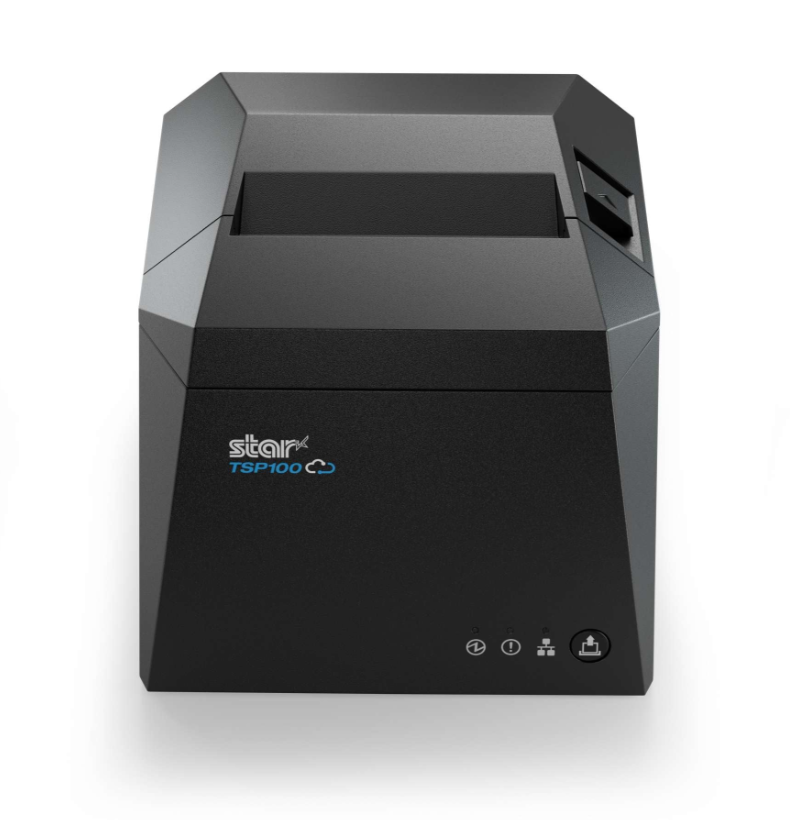](https://bookstack.iconography.co.uk/uploads/images/gallery/2026-03/NBdimage.png) ### Cash Drawers Iconography recommend the Star CB2002 cash drawer. This cash drawer connects to the back of the Star TSP654II receipt printer. Available in black or white. This cash drawer can be purchased [here](https://www.pos-hardware.co.uk/pages/omnis-retail-platform). 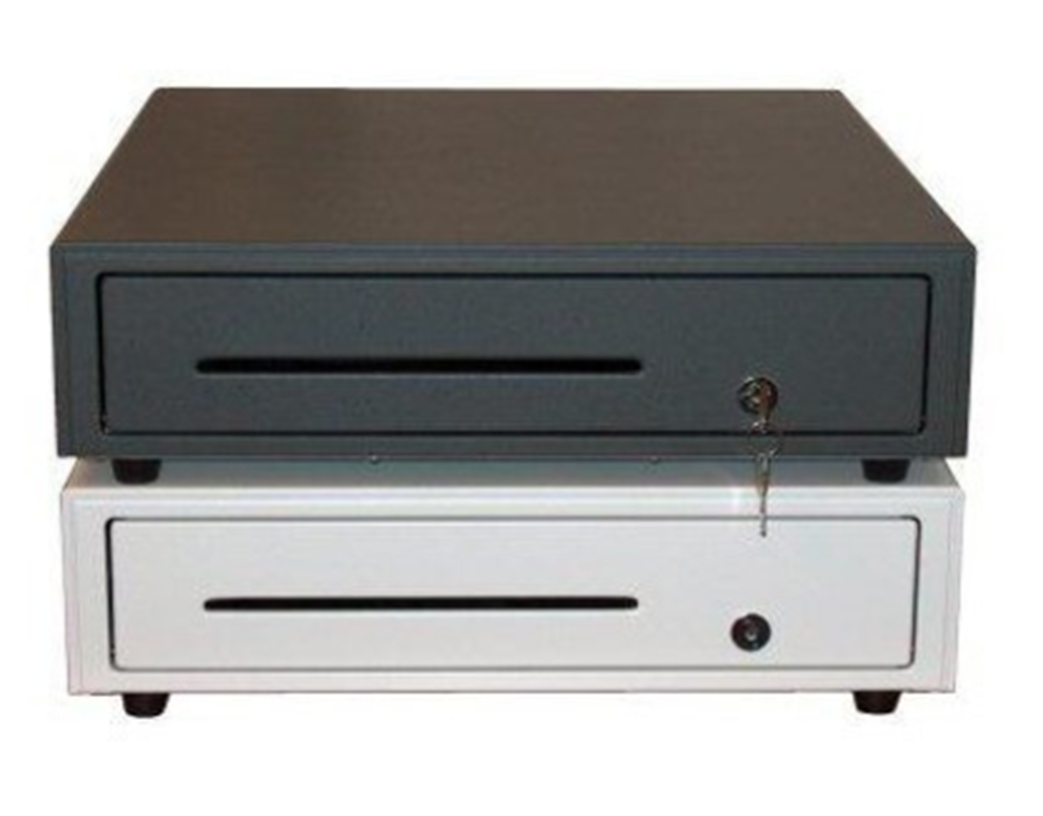 ### Customer Display Iconography recommend the Star SCD222U customer display. This **optional** display connects to the back of the Star TSP654II receipt printer and is used to shows totals to the customer at the point of sale. Available in black or white. This customer display can be purchased [here](https://www.pos-hardware.co.uk/pages/omnis-retail-platform). 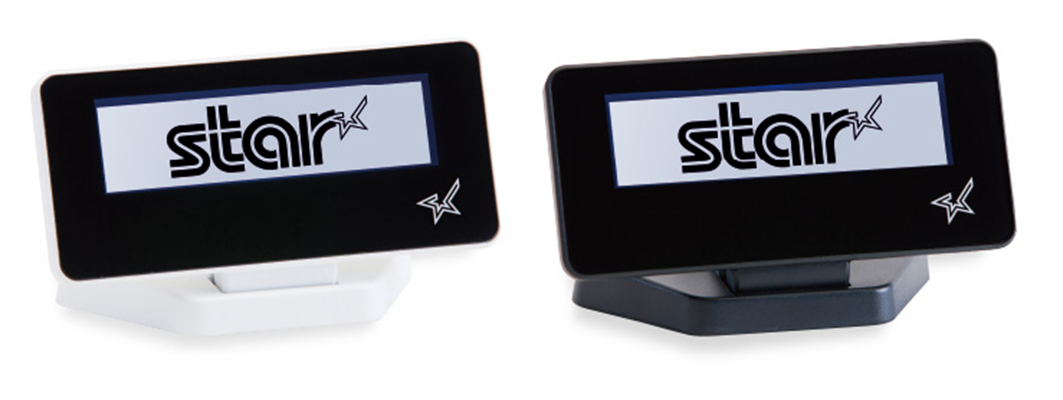 ## Payments We recommend Elavon for integrated instore payments. For more information, please [contact our team](https://www.iconography.co.uk/contact). ## Warehouse ### Label Printers ##### Price and Warehouse Labels A visual explanation of label types is available [here](https://bookstack.iconography.co.uk/books/device-setup/page/label-types). Iconography recommend the Star TSP743II printer for label printing, for both Price and Warehouse labels.These connect you your system via the cloud, and not directly to your device; see [setup](https://bookstack.iconography.co.uk/books/device-setup/page/setting-up-your-label-printer-manual-process) for more information
**Important:** When purchasing this printer, please ensure it has the CloudPRNT interface and an ethernet port included. This printer can be purchased [here](https://www.pos-hardware.co.uk/pages/omnis-retail-platform). 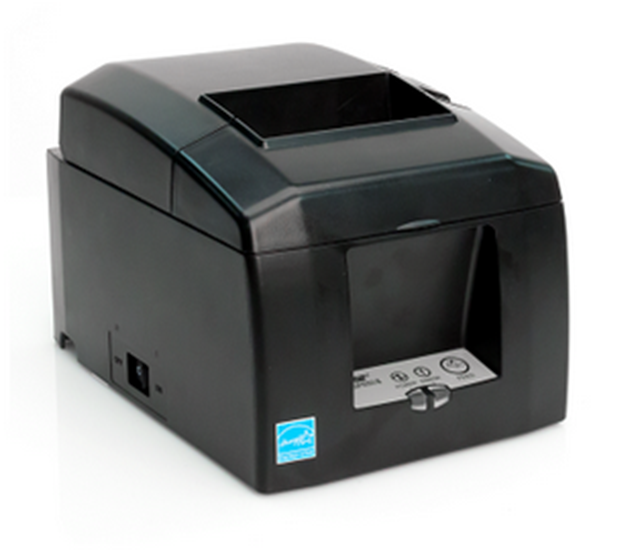 ##### Barcode Labels A visual explanation of label types is available [here](https://bookstack.iconography.co.uk/books/device-setup/page/label-types). Iconography recommend the Star MC-Label2 printer for label printing, for barcode labels.These connect you your system via the cloud, and not directly to your device; see [setup](https://bookstack.iconography.co.uk/books/device-setup/page/setting-up-your-label-printer-manual-process) for more information
**Important:** When purchasing this printer, please ensure it has the CloudPRNT interface. [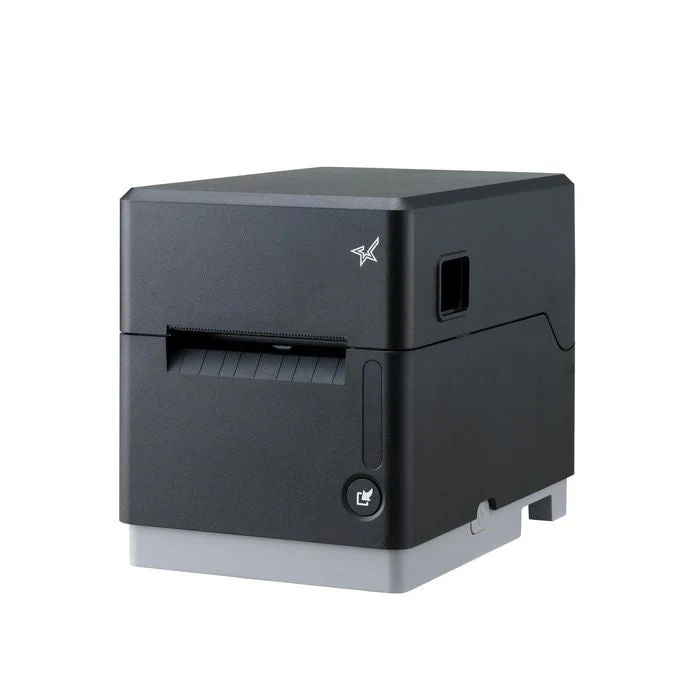](https://bookstack.iconography.co.uk/uploads/images/gallery/2026-07/cybimage.png) ### Scanners #### Barcode Scanners IXO Commerce is compatible with any keyboard wedge or HID barcode scanner. Typically, we recommend either Bluetooth or USB (wired) connections.Keyboard wedge/HID (Human Interface Device) mode behave like a keyboard and are plug and play
### Fixed Label Sizes If using the Star label printer, you will need labels. Labels can be one of two sizes. Either 76mm x 38mm or 55mm x 30mm. ### Warehouse Labels For Warehouse labels we recommend a ‘continuous roll’.