Email Templates
Manage system generated emails.
- Summary
- Emails
- Abandoned Basket
- Abandoned Order
- Account Approved
- Account Rejected
- Account Statement
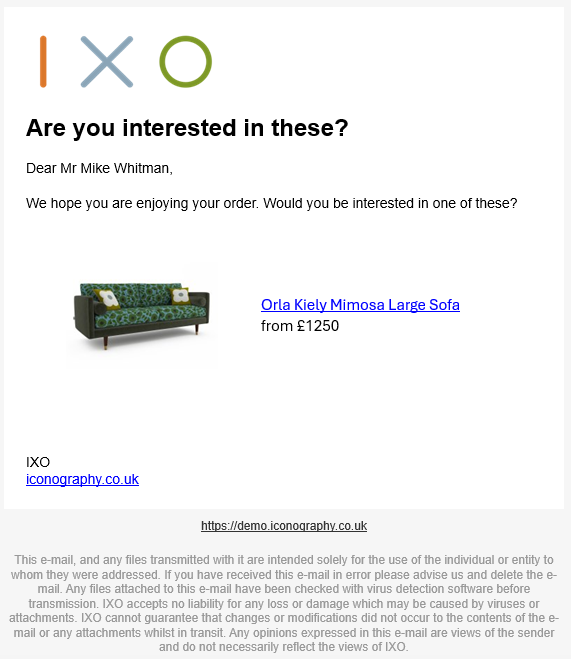
- After Sales Recommend
- Application
- Customer Note
- Despatch
- Email Wishlist
- Gift Voucher
- Newsletter
- Out of Stock Recommend
- Order (Confirmation)
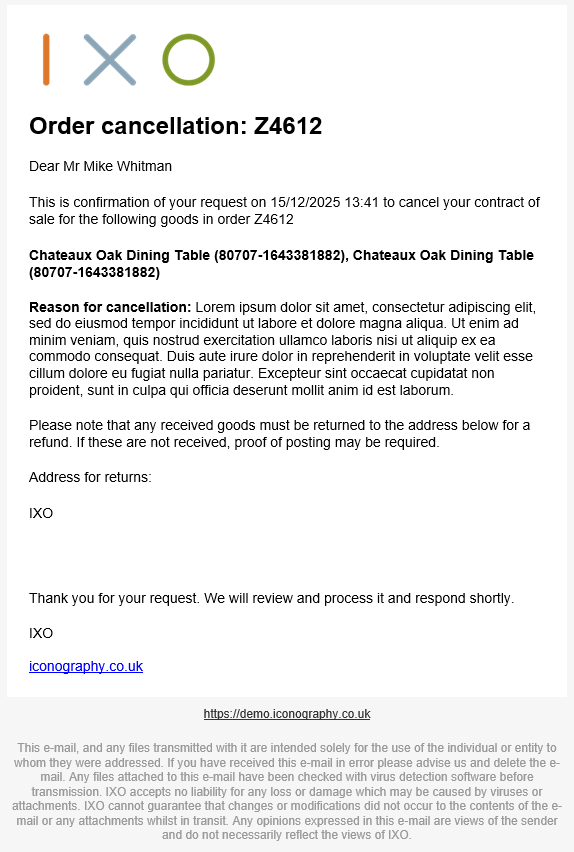
- Order Cancellation
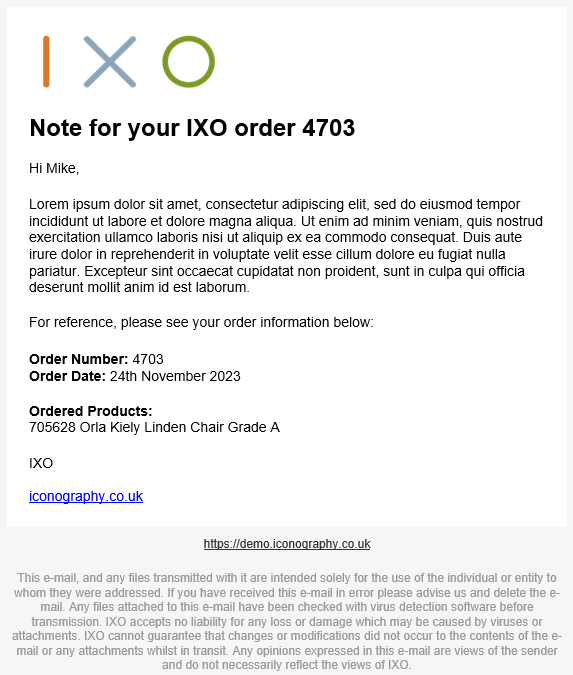
- (Sales) Order Note
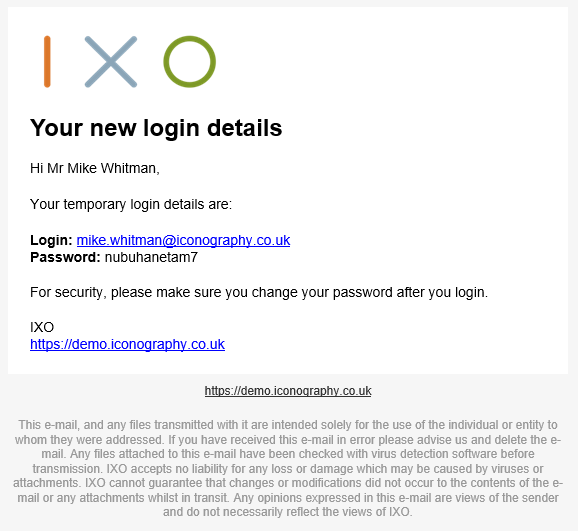
- Password Reset Done
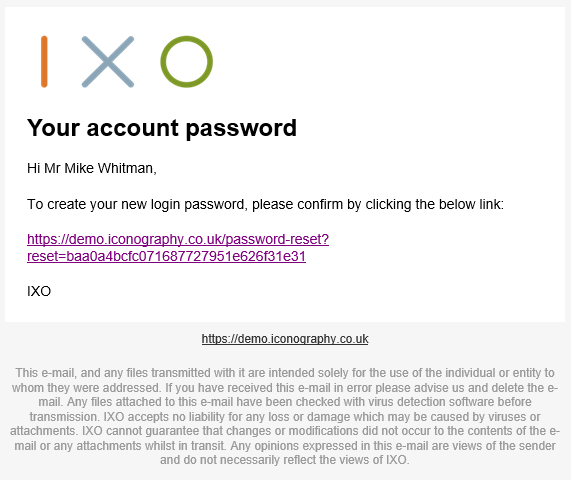
- Password Reset Link
- Purchase Order
- Purchase Order Cancellation
- Quote
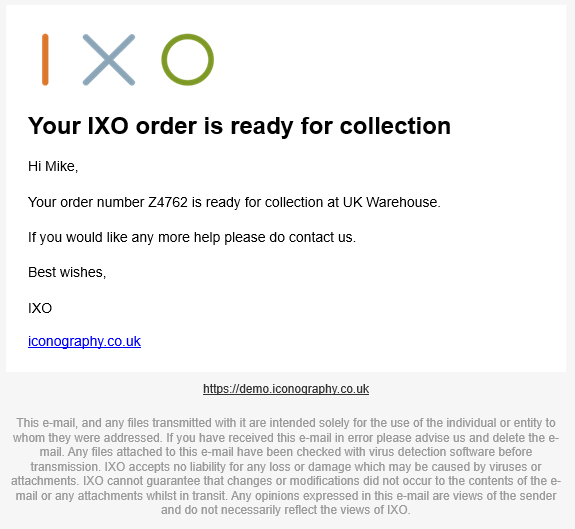
- Ready to Collect
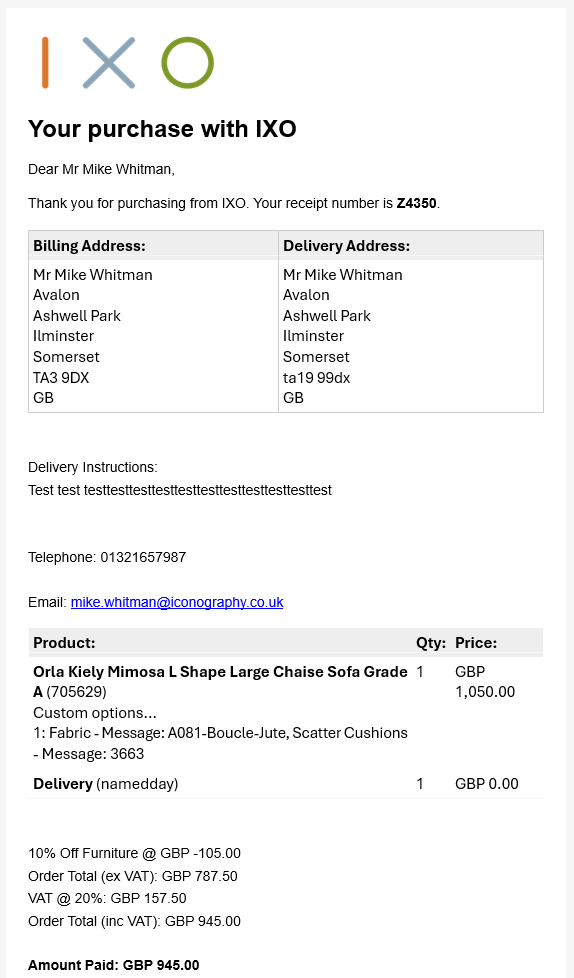
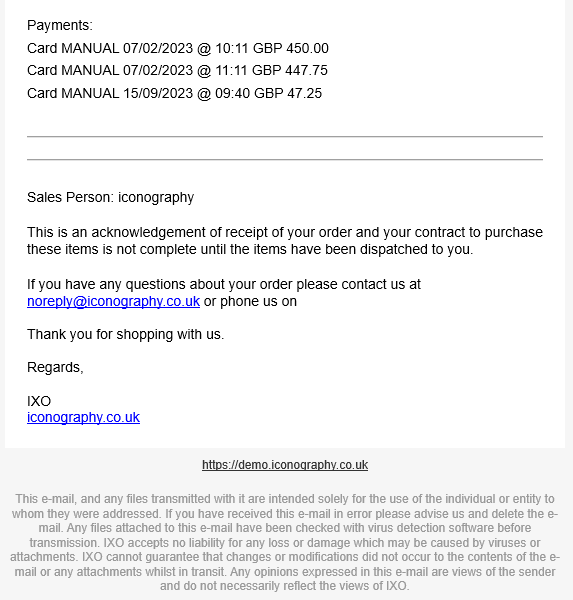
- Receipt
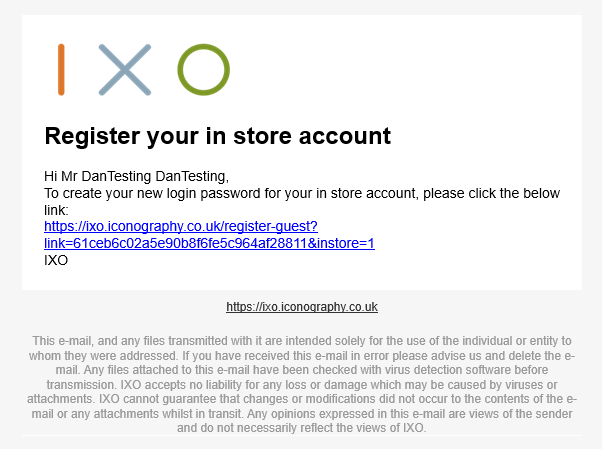
- Register Guest Account
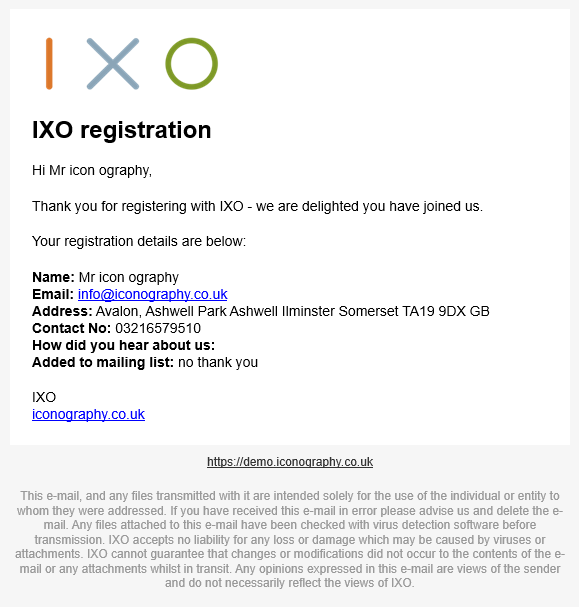
- Registration
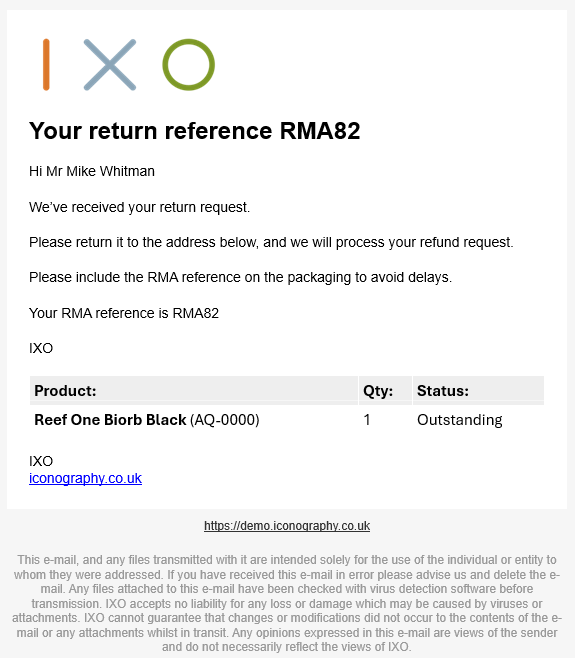
- Return Confirmation
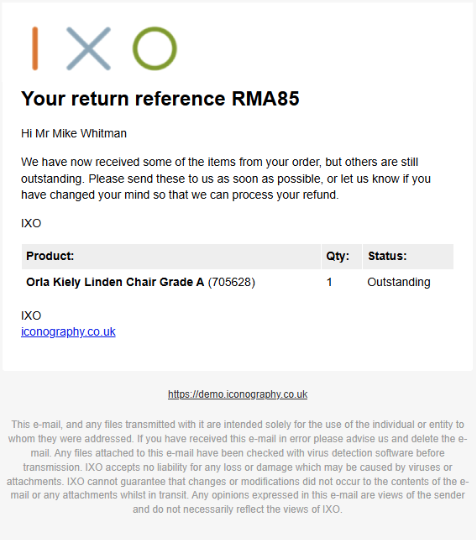
- Return Outstanding
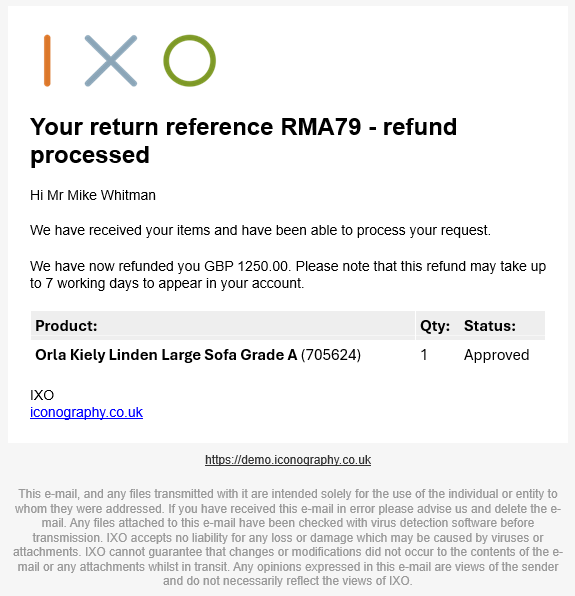
- Return Processed
- Return Received
- Return Rejected
- Review Chaser
- Stock Notify
Summary
Use this screen to edit your automated Email Templates; these include abandoned basket notifications, Sales Order confirmations, newsletter sign ups, etc.
This section may also be used to disable individual Email Templates.
| Purpose | |
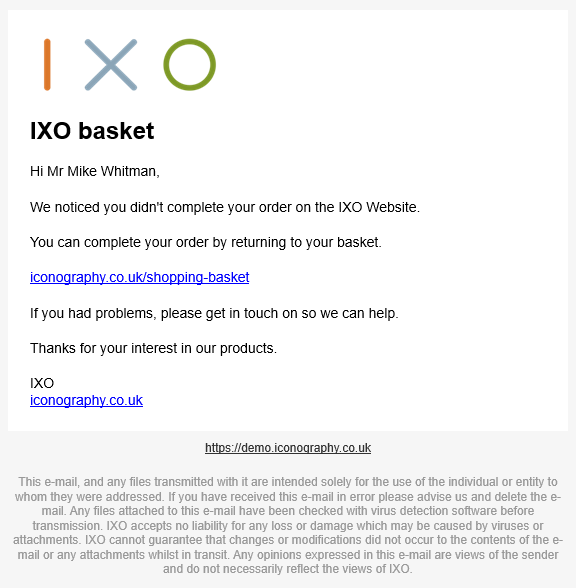
| abandonedbasket | This email is sent an hour after an abandoned basket has occurred |
| abandonedorder |
This email is sent an hour after an abandoned order has occurred |
| aftersalesrecommend |
This email will be sent 28 days after an order is placed |
| customernote |
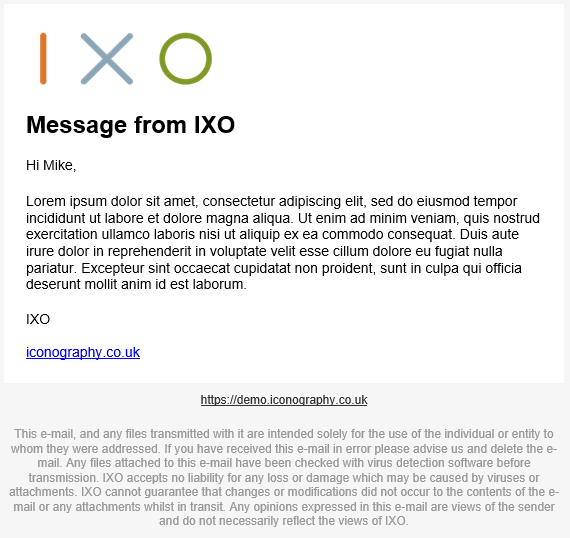
This is the email used when sending general notes to the customer |
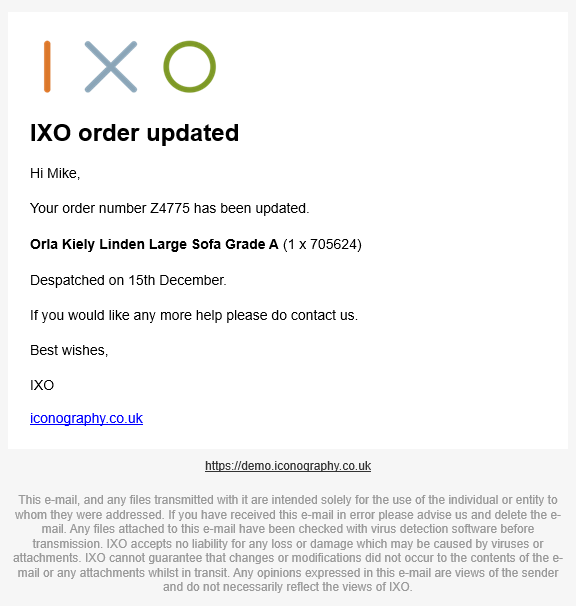
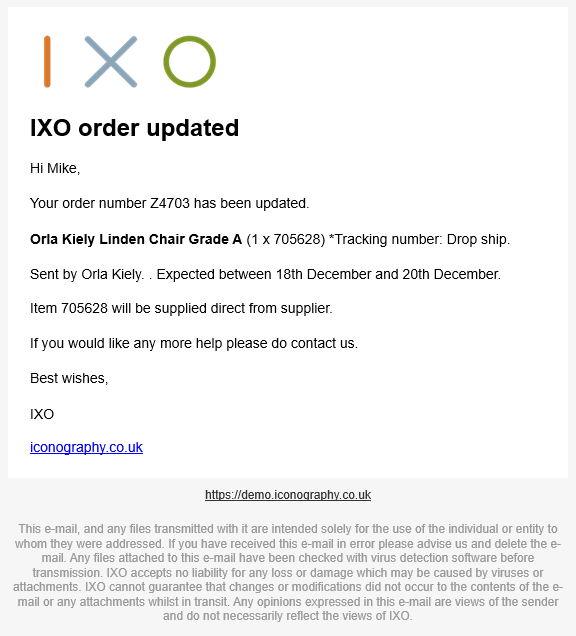
| despatch |
This is the despatch notification email |
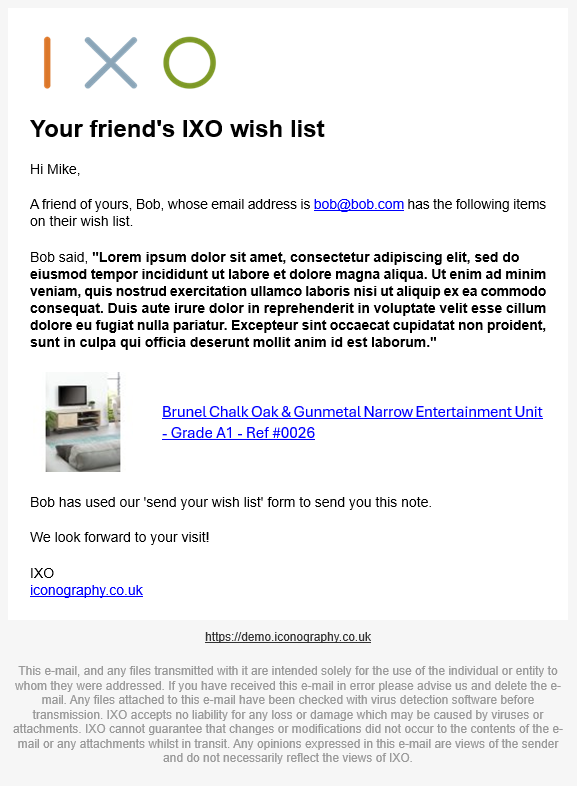
| emailwishlist |
This is the email sent when a customer emails their "wish list" to a friend |
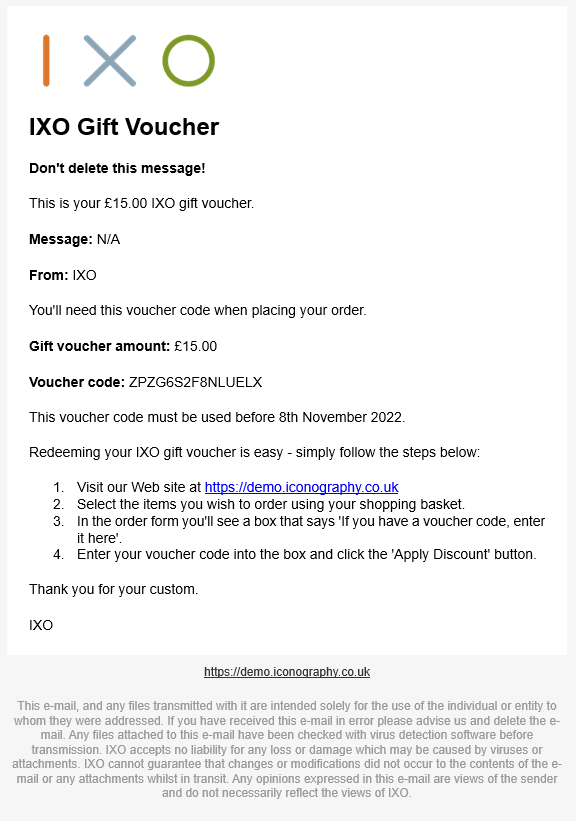
| giftvoucher |
This is the template used for sending an e-voucher |
| newsletter |
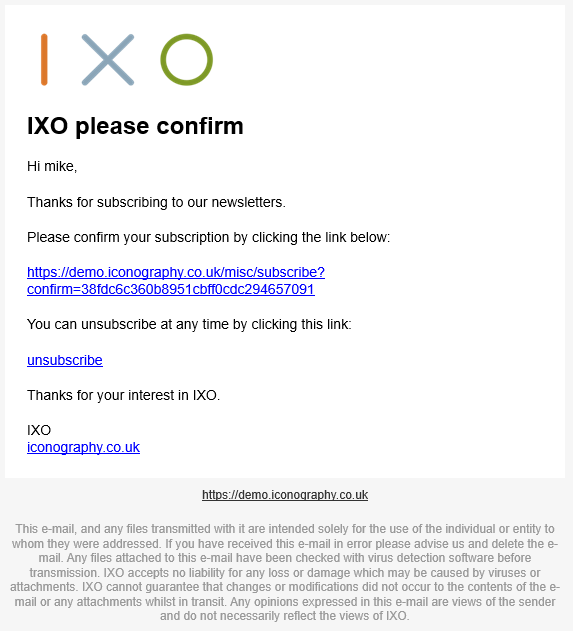
This acknowledges subscription to a mailing list |
| oosrecommend |
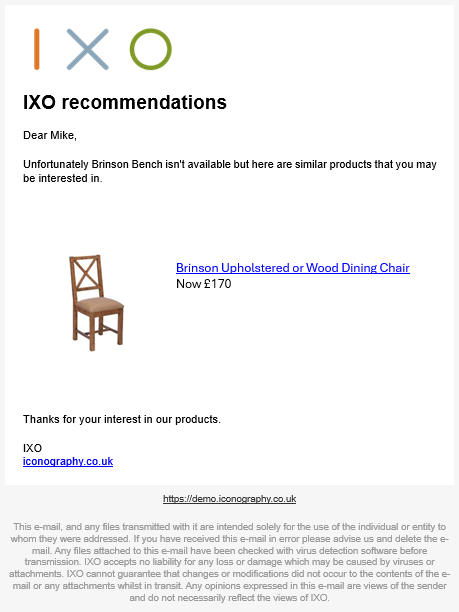
This email is sent 28 days after a “notify me when in stock” is requested |
| order |
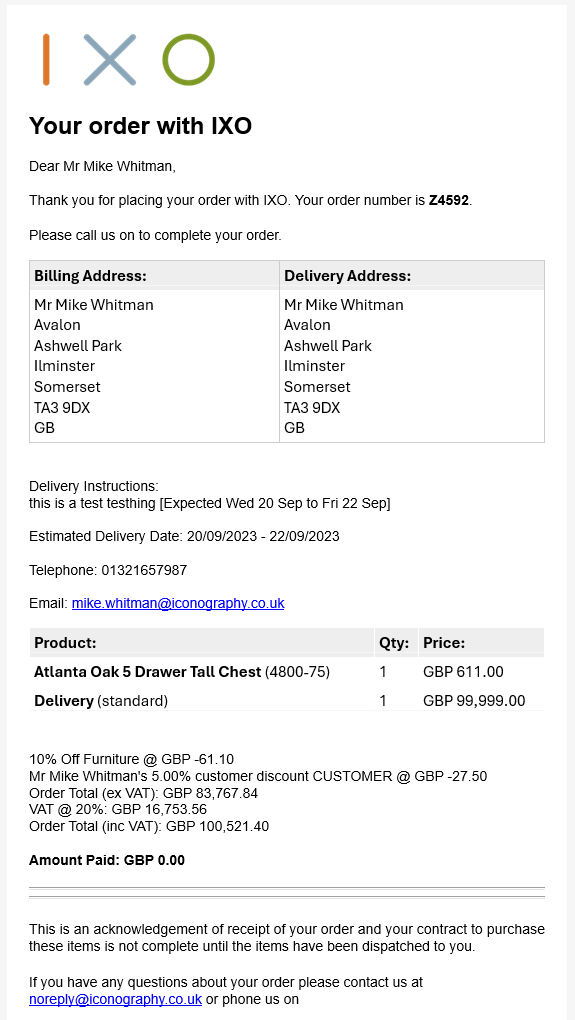
This is the order confirmation |
| ordercancellation |
This is the order cancellation request email |
| ordernote |
This is the email used when sending order notes to the customer |
| passwordresetdone |
This is the email sent when a password reset has occured |
| passwordresetlink |
This is the link sent when a customer requests a password reset |
| purchaseorder |
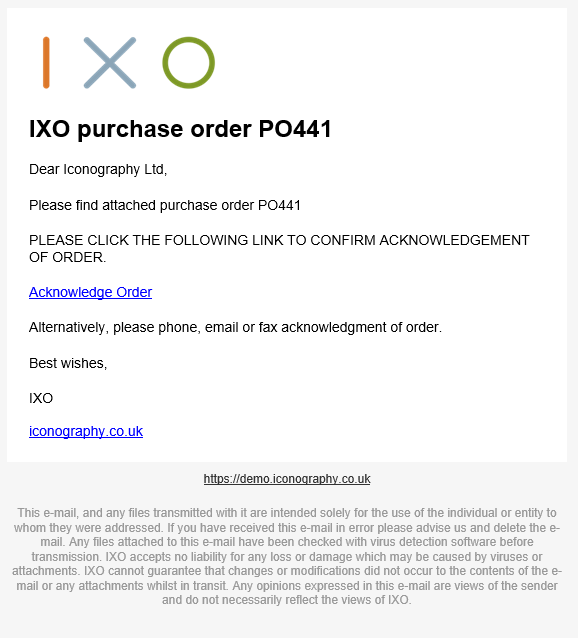
This email is sent to suppliers when submitting a purchase order |
| purchaseordercancel |
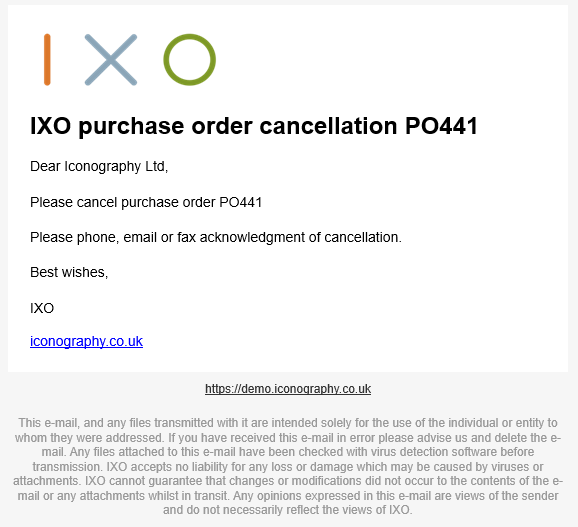
This email is sent to suppliers when cancelling a purchase order |
| quote |
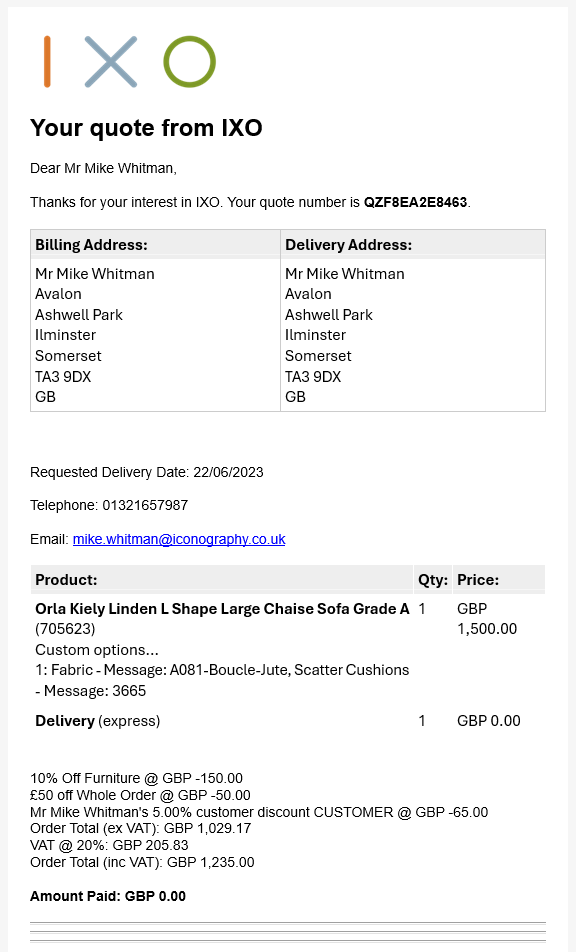
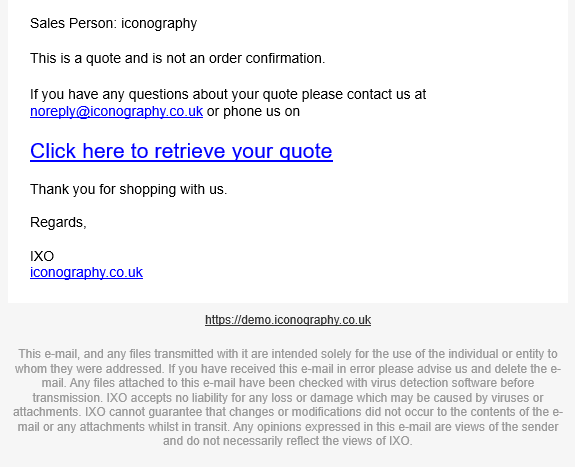
This is the quote template |
| readytocollect |
This is the "ready to collect" notification email |
| receipt |
This is the email receipt |
| register |
This email acknowledges a new account registration |
| registerguestaccount | This email is sent when a guest account is created |
| returnconfirmation |
This is the return request confirmation |
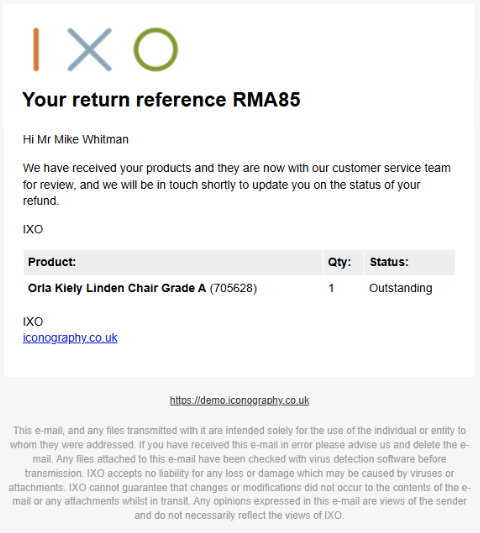
| returnoutstanding | This is the return received email following partial receipt of goods |
| returnprocessed |
This is the return processed email following refund or exchange |
| returnreceived |
This is the return received email following full receipt of goods |
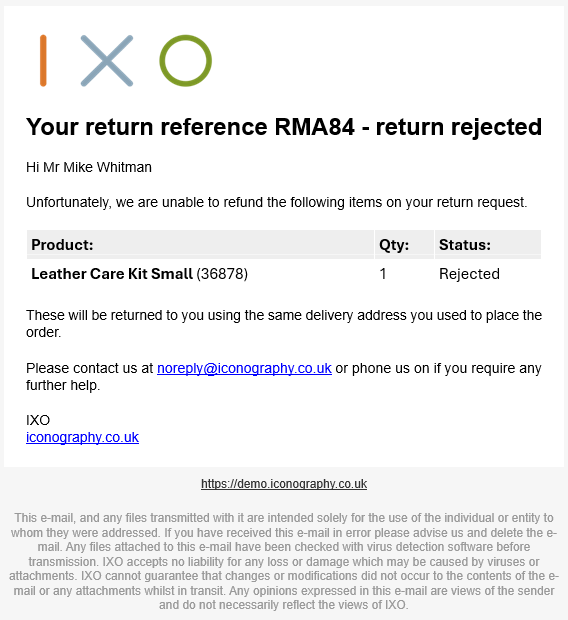
| returnrejected |
This is the return rejected email following rejection of request |
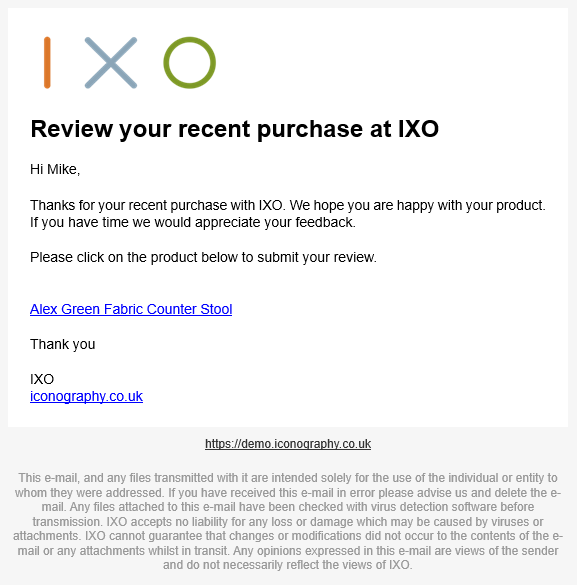
| reviewchaser |
This email is sent 28 days after purchase prompting them to review the product |
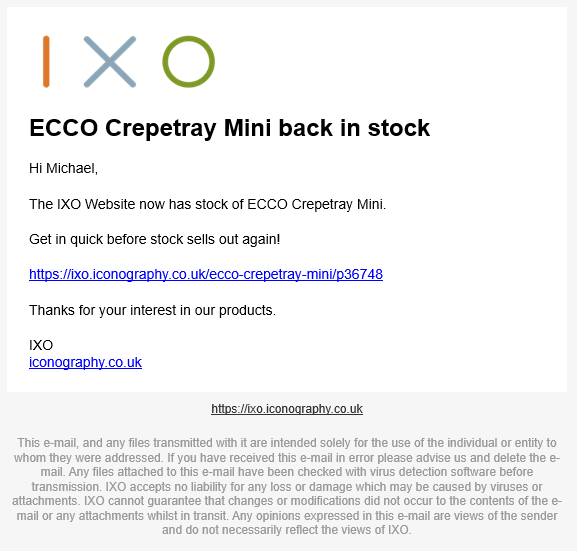
| stocknotify | This email is sent to the customer when an item is back in stock |
| ticket | This is the template used for sending an e-ticket |
Emails
Abandoned Basket
The link to this email includes a unique Id for the Customer's basket, meaning that it will offers cross-device support.
Abandoned Order
Account Approved
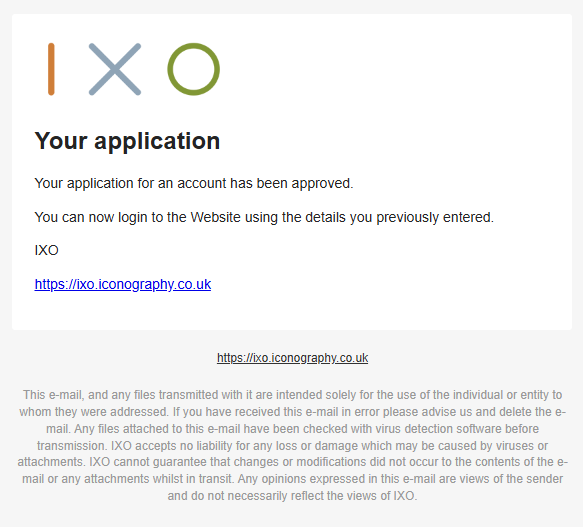
This email is sent when a Trade Account application is approved in the CMS.
Account Rejected
This email is sent when a Trade Count application is rejected in the CMS.
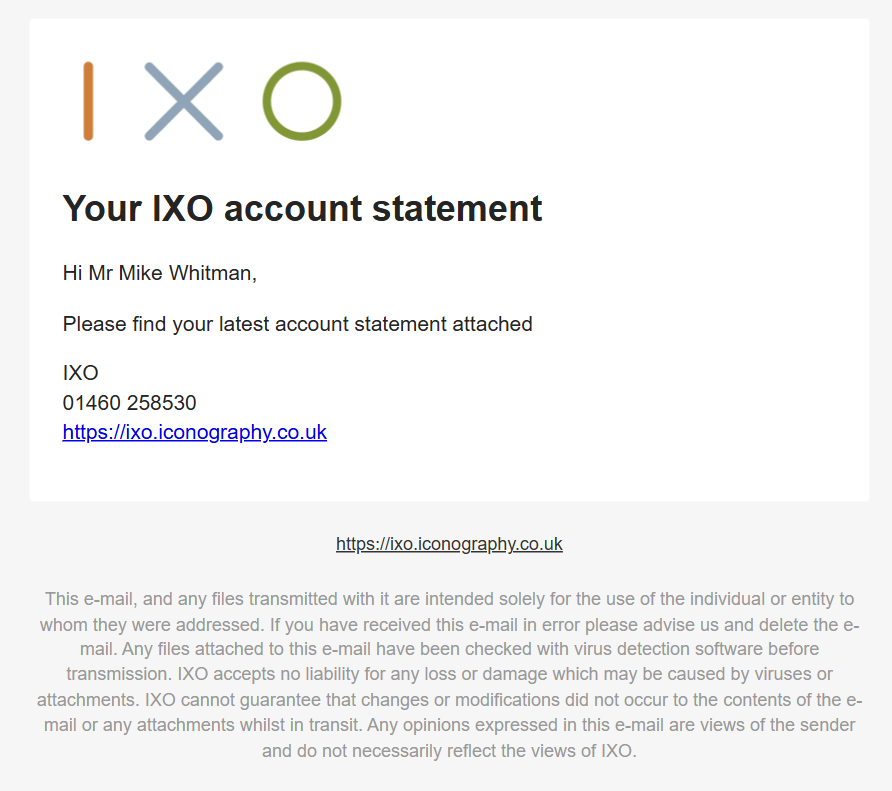
Account Statement
This is an Account Payments Statement sent when manually triggered from the Customers section of the CMS.
The Account Statement is attached to this email as a PDF.
After Sales Recommend
28 days after a customer has placed an order, they will be sent a recommendation for other popular Products.
Application
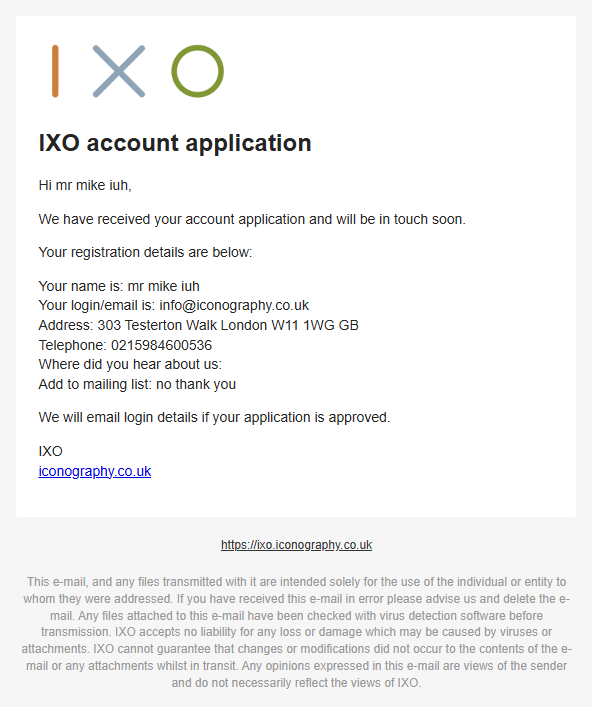
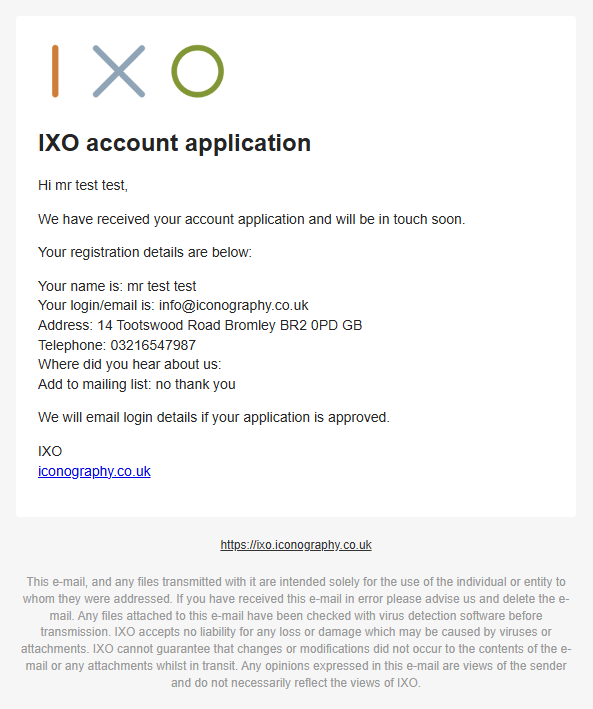
This email is sent when a Customer applies for a Trade Account.
Customer Note
Despatch
Standard
Dropship
Email Wishlist
Gift Voucher
Newsletter
Out of Stock Recommend
If a customer has requested to be emailed when a product is back in stock, and the product has remained out of stock for 28 days since that request, the following email will be generated.
Order (Confirmation)
Order Cancellation
(Sales) Order Note
Password Reset Done
This is triggered by a CMS User within the Edit Customer screen. When a password is reset there, this email is generated.
Password Reset Link
Purchase Order
This email will also include the Purchase Order as an attachment.
Purchase Order Cancellation
This email will also include the Purchase Order PDF as an attachment.
Quote
Ready to Collect
Receipt
Register Guest Account
This is sent to Guest Customers who have placed a Sales Order, either through the website, or in the POS/CMS.
Registration
Return Confirmation
Return Outstanding
Return Processed
Return Received
Return Rejected
Review Chaser
Stock Notify