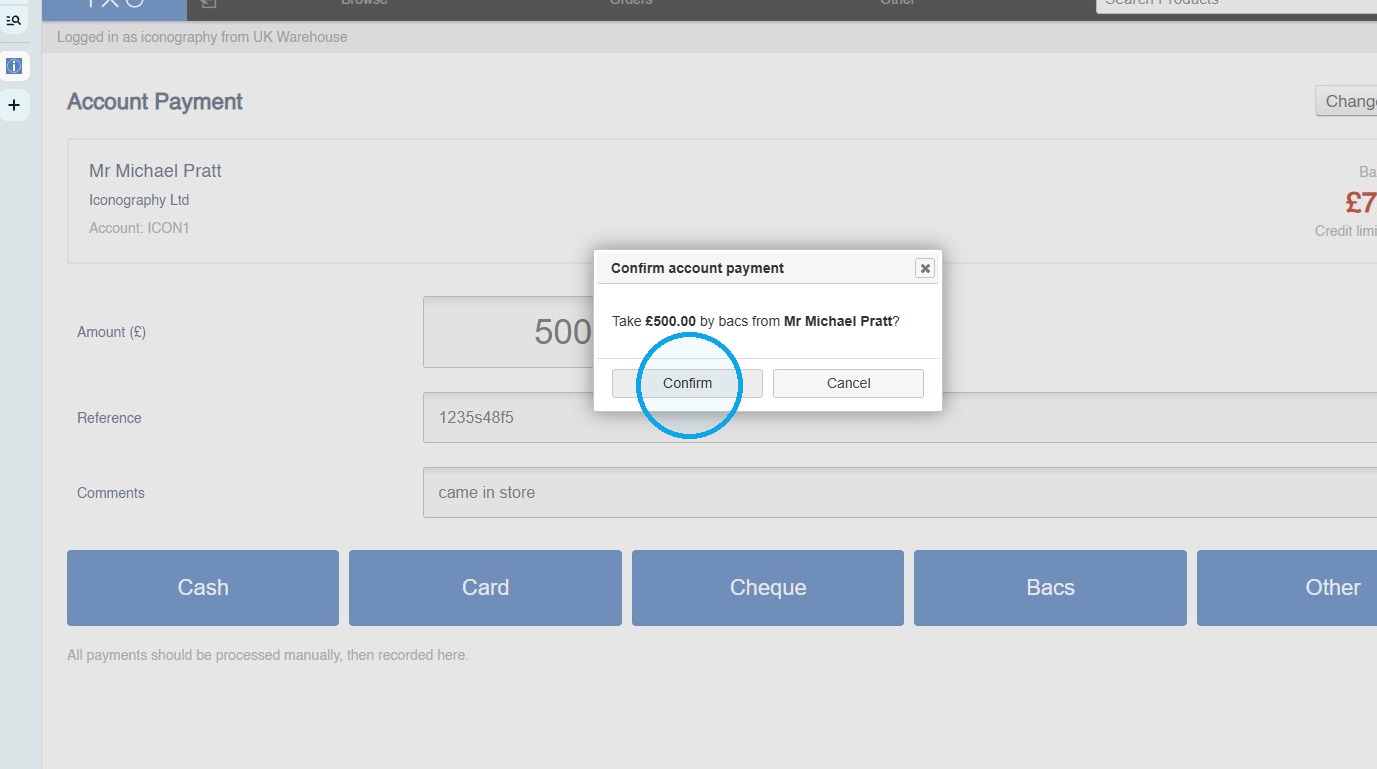
Account Payment (POS)
From this screen, you can search for a customer and manage their credit balance.
Changes to the customer's credit limit must be handled in the full CMS, on the Customer edit screen.
Processing an Account Payment in IXO POS
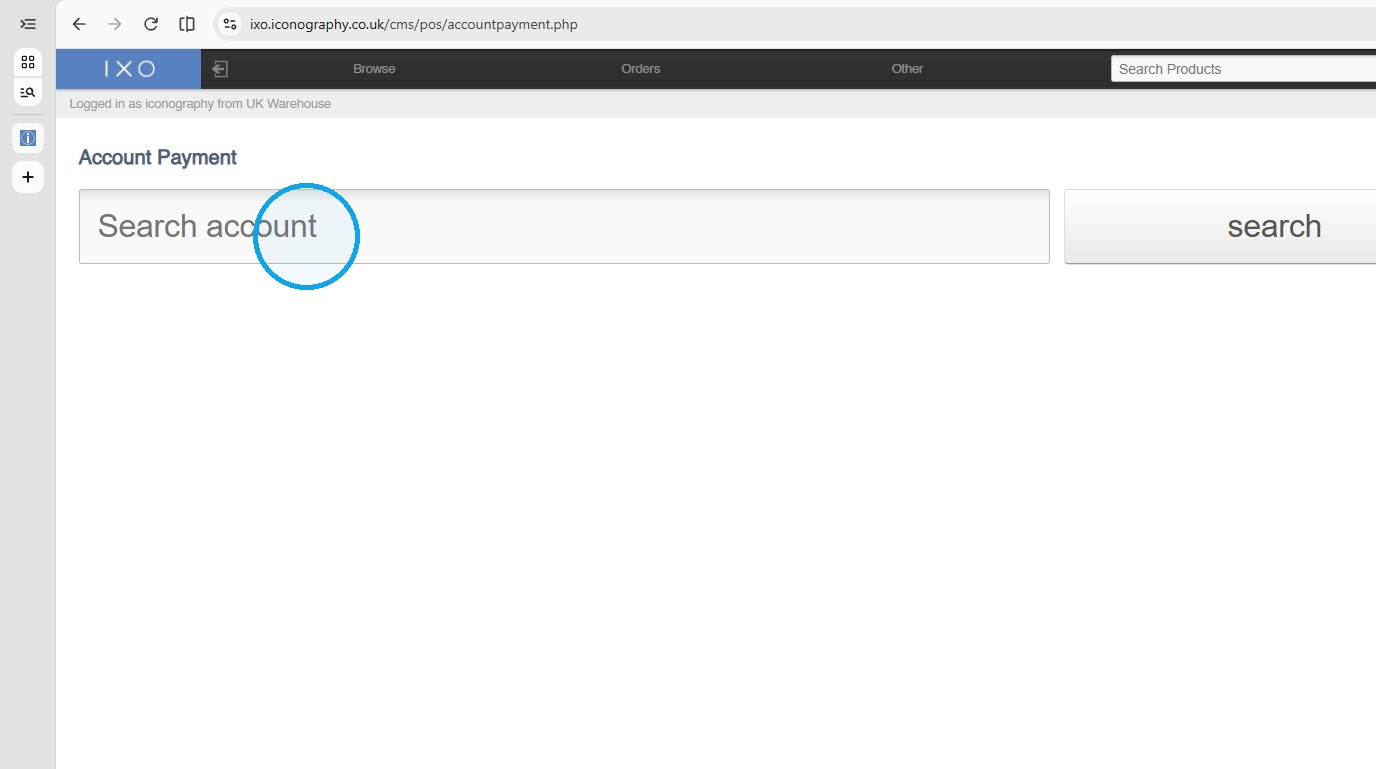
Find Customer Account
1. Open the IXO POS Account Payment page.
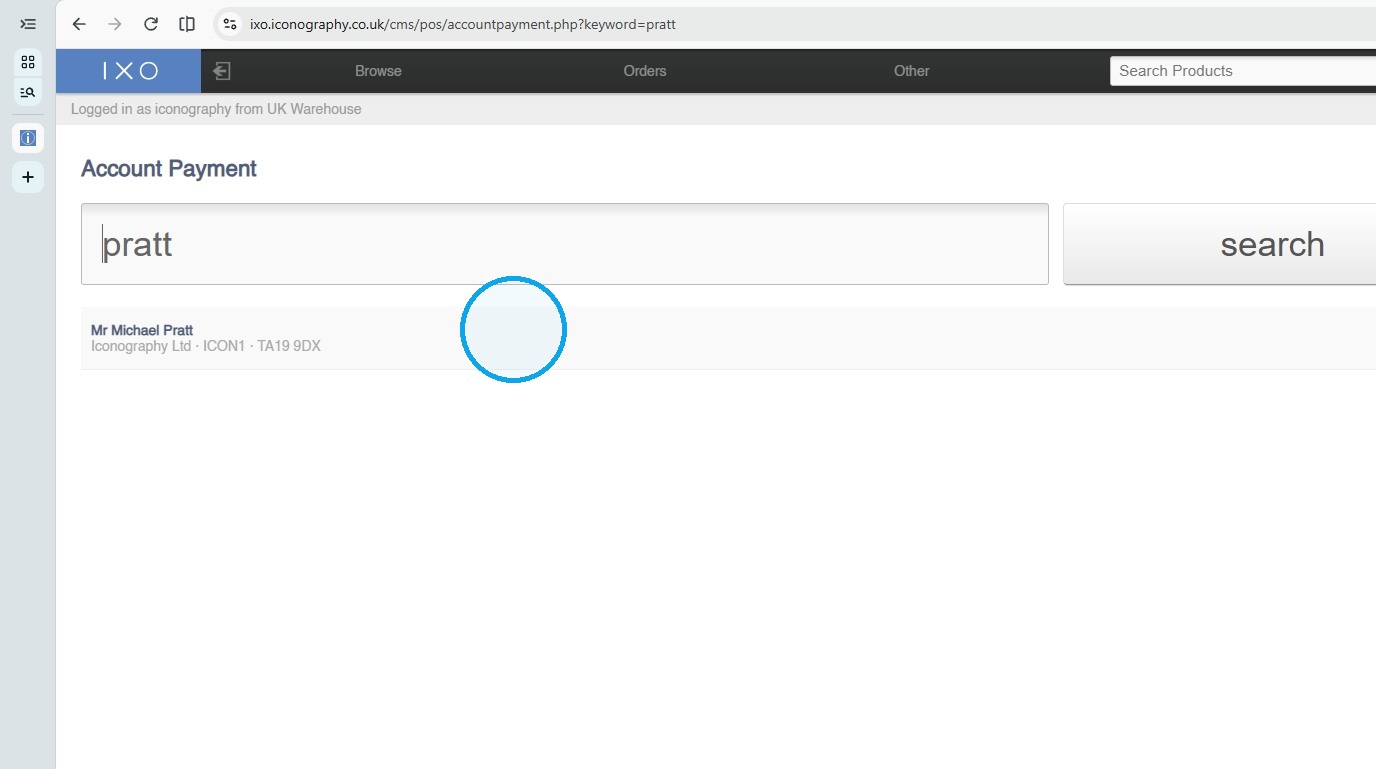
2. Select the matching customer account.
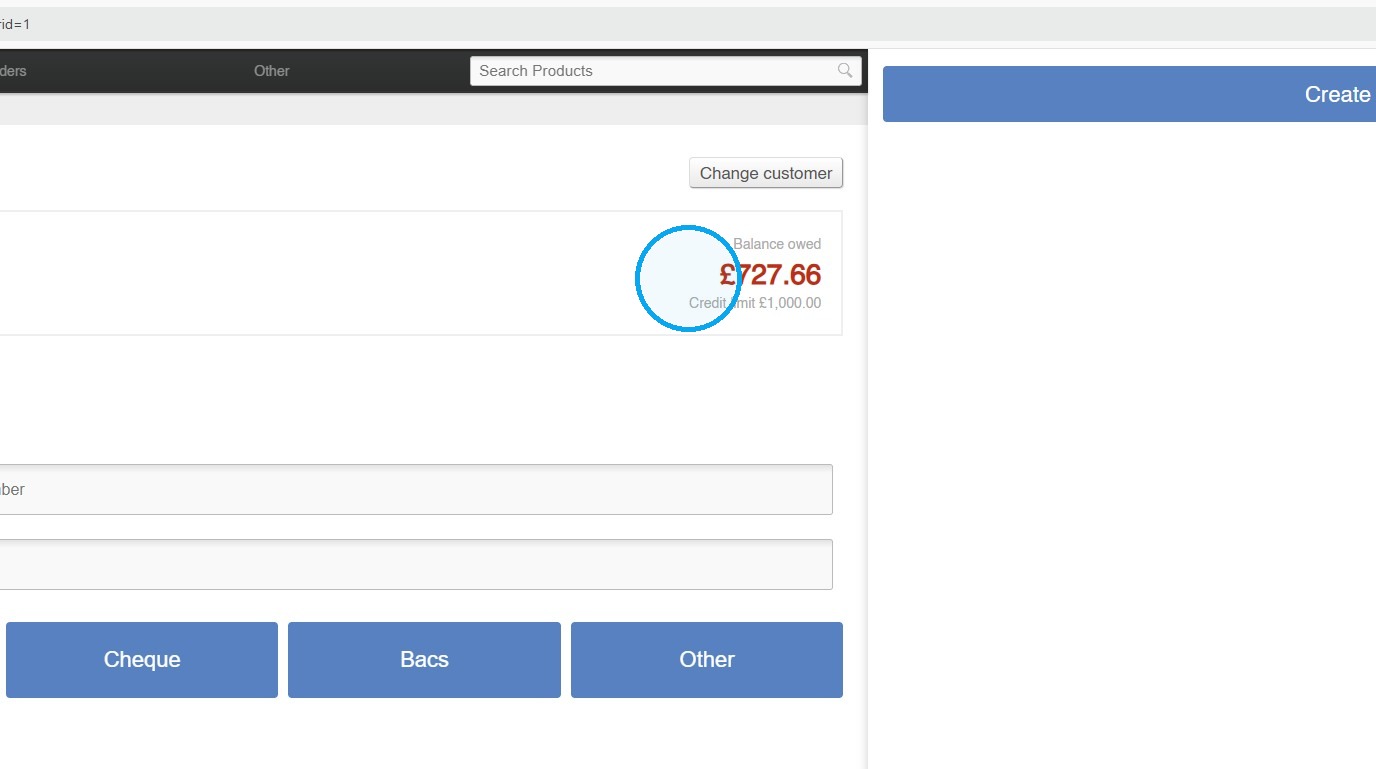
3. See the current balance here
Enter Payment Details
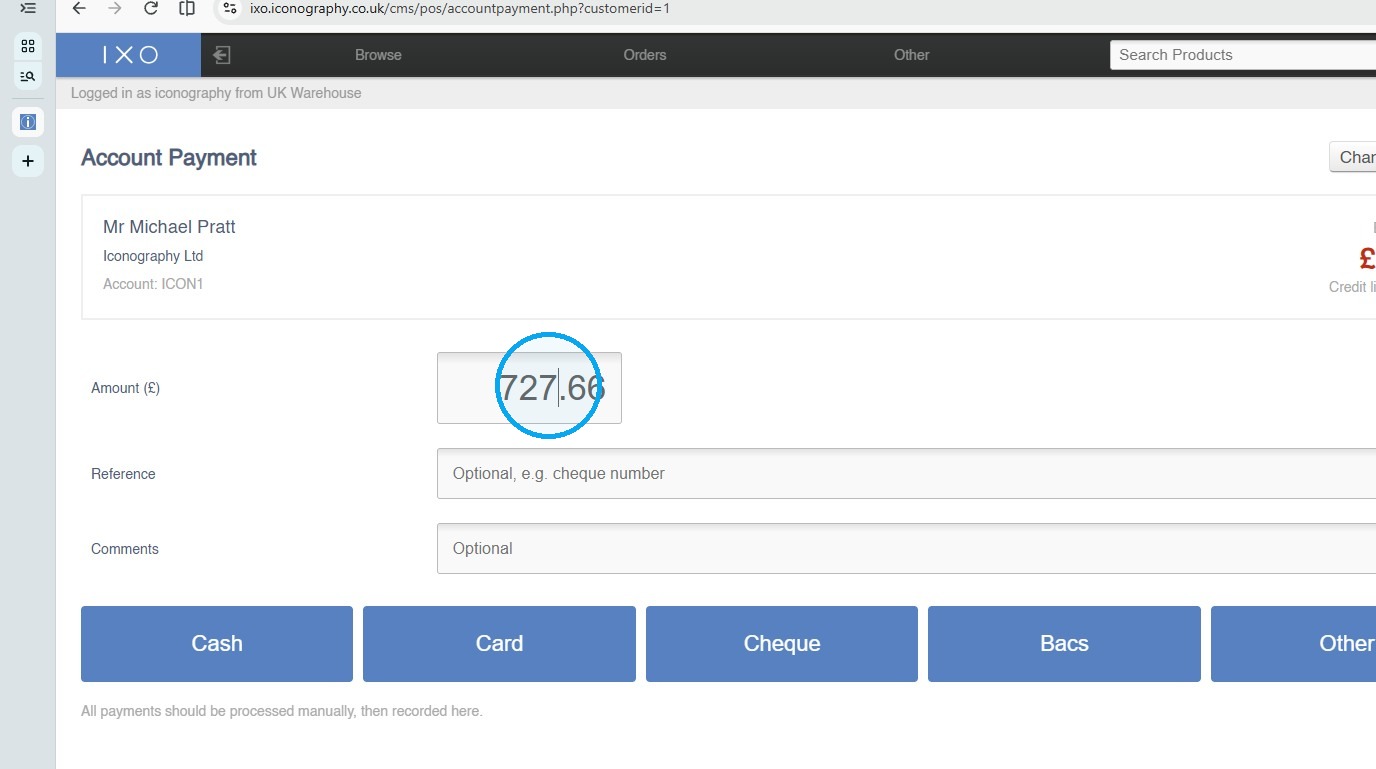
4. Enter the payment amount.
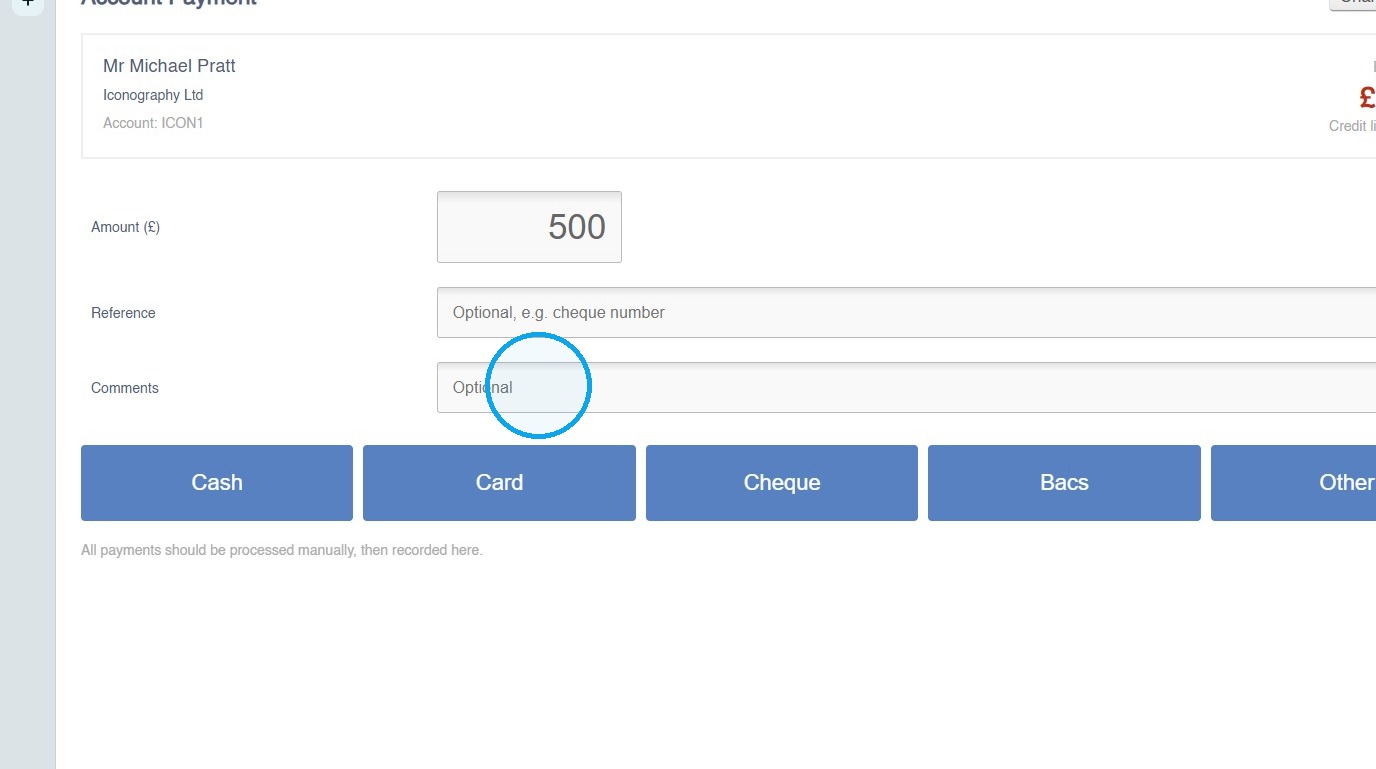
5. Insert additional payment references as required
Submit Payment
6. Choose your payment method
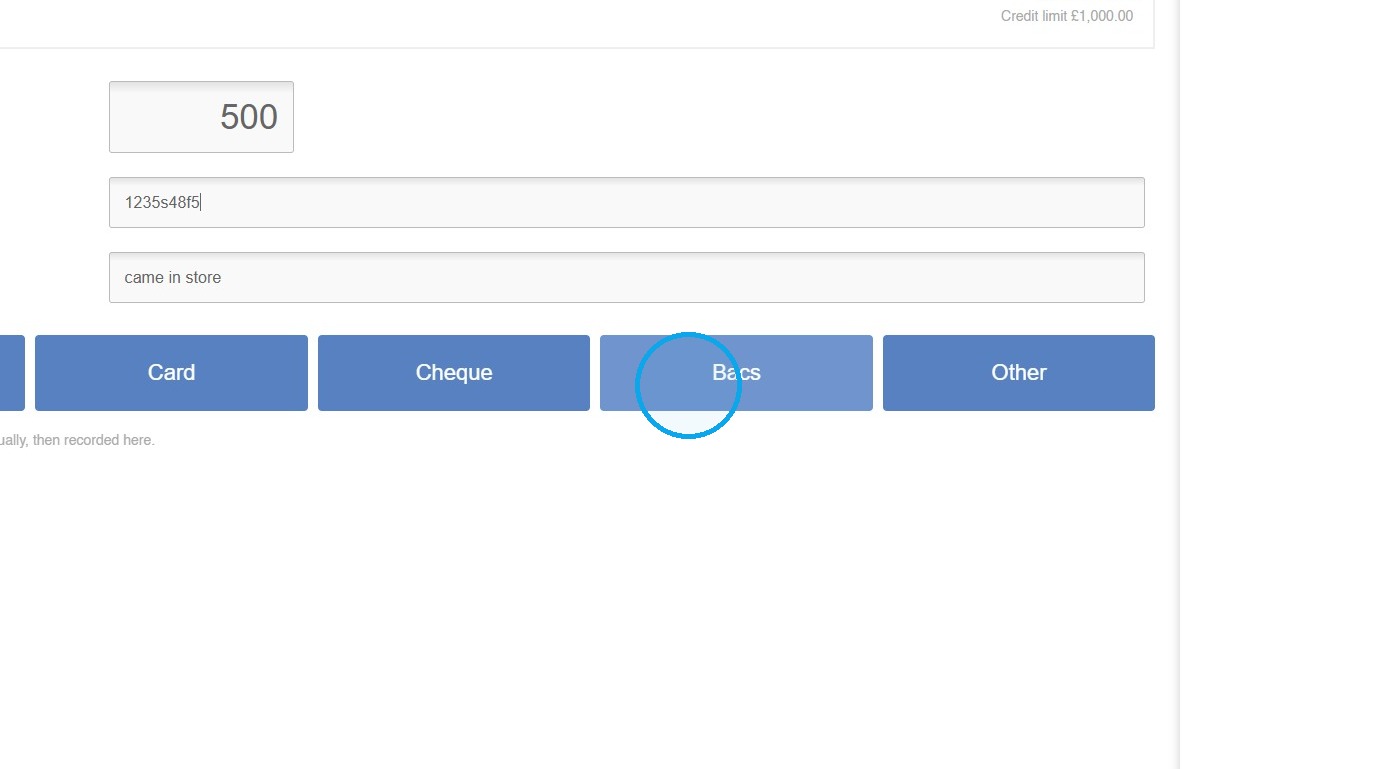
7. Confirm the payment; the balance will be adjusted