By default, disabled items will be hidden
[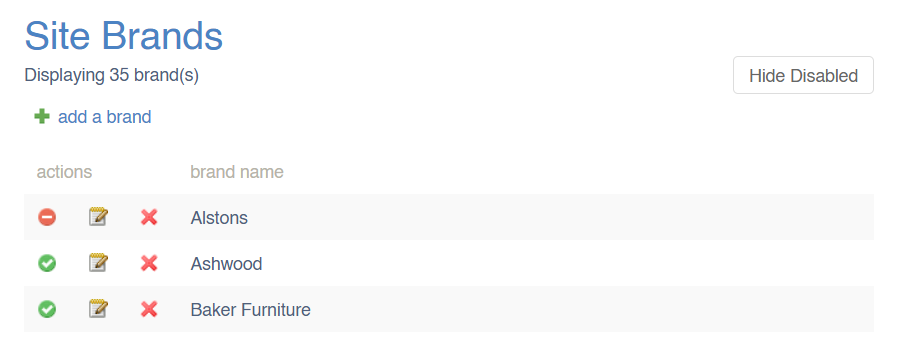](https://bookstack.iconography.co.uk/uploads/images/gallery/2025-02/image.png) For these purposes, disabled items include those which are actively disabled or archived. These include, but are not limited to: - Disabled Products - Archived Products - Disabled Categories - Empty [Dynamic Categories](https://bookstack.iconography.co.uk/books/categories/page/dynamic-categories "Dynamic Categories") - Disabled Collections - Disabled Brands - Disabled SuppliersDisabled items will still display in all reports and filters
# Label Printing This logic is used when printing labels. ### Warehouse Labels (reserved stock) This grabs all Sales Order Lines that follow these rules: - Sales order status: - Contains the word ‘despatch’ - Contains the word ‘packing’ - Contains the word ‘pending’ - Contains the term ‘awaiting action’ - Is ‘on order’ - Is ‘on transfer’ - Is ‘unallocated’ - Line is not acknowledged - Line is not despatched - Line is not cancelled ### Warehouse Labels (free stock) This function will first grab all stock records that exist on the system and will order by oldest first. It will then retrieve all reserved labels using the above section. Whilst looping through the reserved labels and stock records, if the reserved label shares a PO with the stock record, we will subtract any stock that is reserved to sales orders so that the free stock labels don’t print POs that are used for these sales orders. Here are some examples: - SKU XYZ has 3 stock linked to PO123. Order Z123 has 1 qty linked to the PO. 1 is subtracted from the stock record resulting in 2 free stock labels that are linked to PO123 - SKU XYZ has 1 stock linked to PO123. Order Z123 has 3 qty linked to the PO. This will result in 0 free stock labels being linked to PO123 Once the calculations are complete, the system will print free stock labels using the remaining stock records. If more labels have been requested to be printed than there is stock, then the excess labels will be printed with no PO number on them. ### Retrieving labels via a PO This function grabs all lines on a PO and loops through them. For each line, we will try to find sales orders linked to it by checking: - Order line is linked to this PO - Order line is the same SKU and USR (if set) - Order line is not cancelled - Order status is not ‘draft' If any sales orders are found, we will mark these lines as reserved labels. The rest of the quantity against the PO will be marked as free stock.