Documents
- Delivery Notes
- Picking List
- Product Labels
- Sales Order Invoices
- Shipping Labels
- Warehouse (Free Stock) Labels
- Warehouse (Reservation) Labels
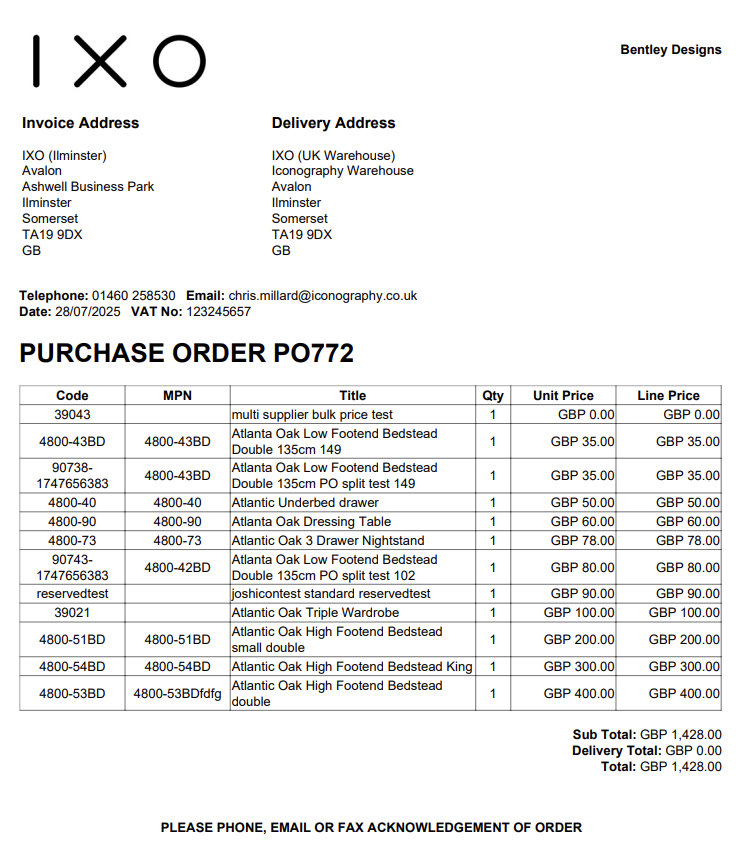
- Purchase Order PDF
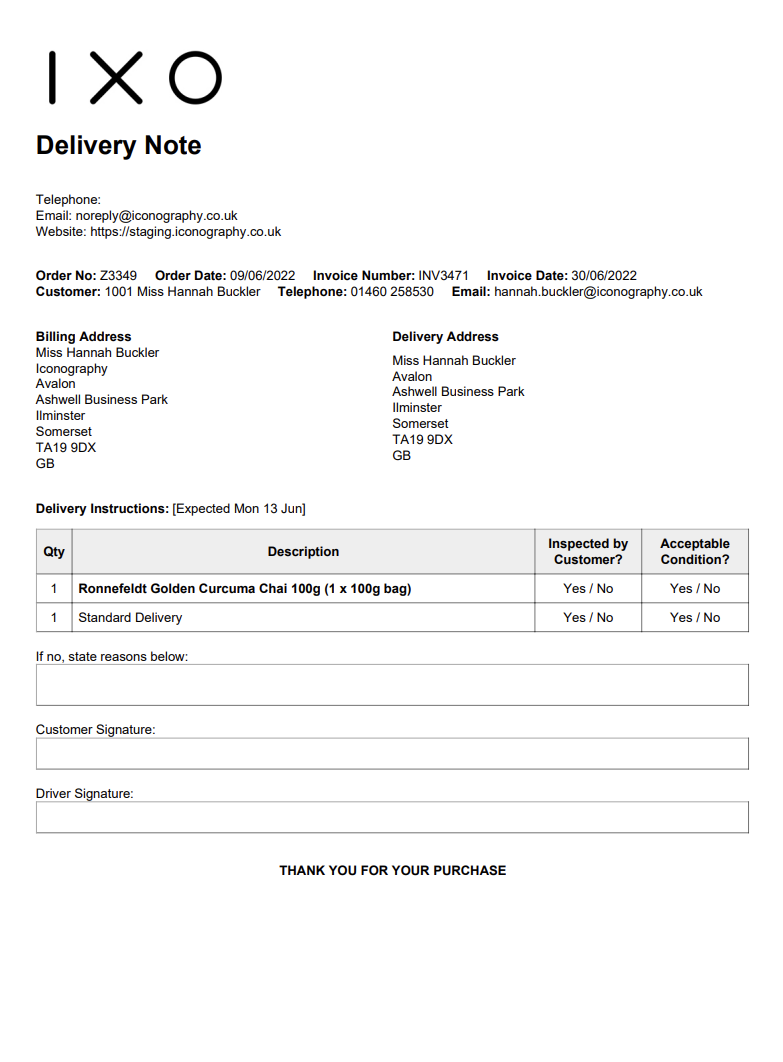
Delivery Notes
This will produce a form that can be used to confirm delivery with the Customer.
Picking List
A Picking List may be printed from various sections of the system. It will include essential information.
If you would prefer to only have one Sales Order per page, this can be configured within Site Settings
Example:
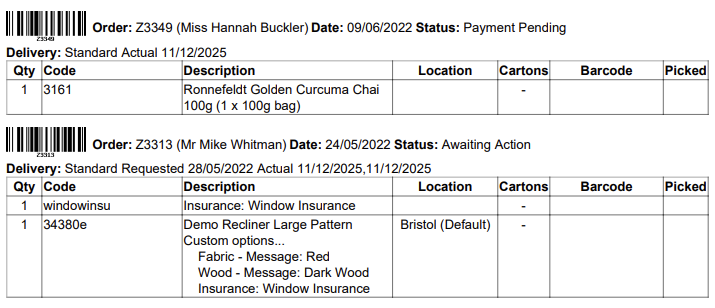
If the Location field is blank, that signifies that there is no stock allocated to the Sales Order line
Product Labels
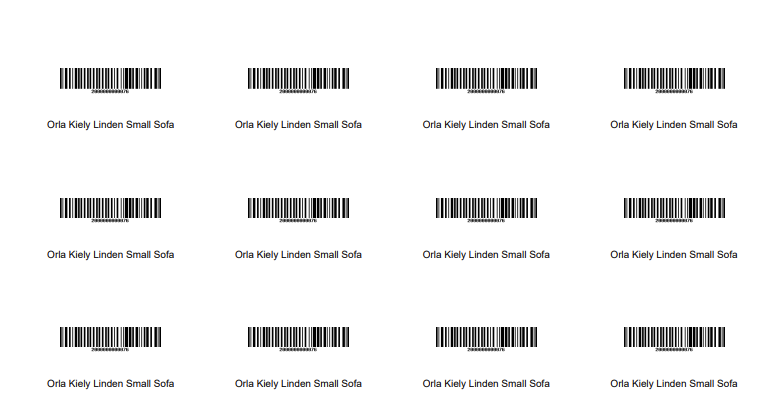
Product Labels will either be printed via a STAR printer, or via a standard A4 printer.
If you are using a standard printer, you can control the size of label (quantity per sheet) in Site Settings
These may be printed with and without prices.
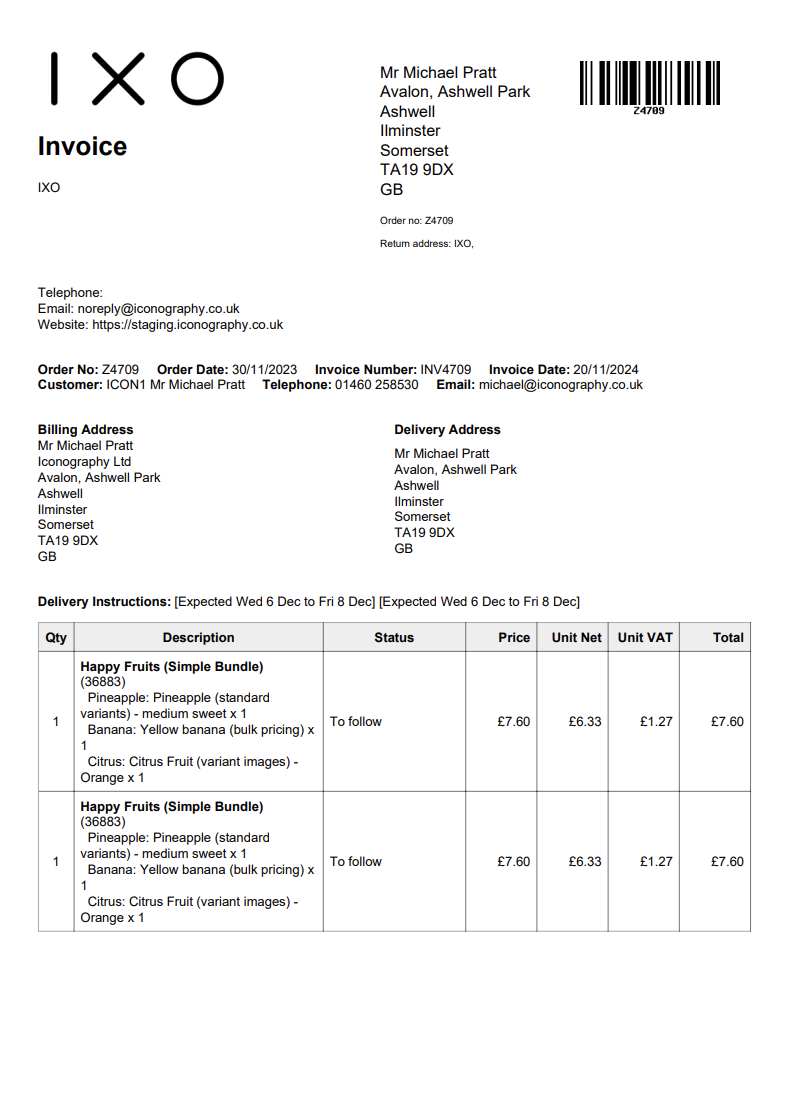
Sales Order Invoices
These are output for each Sales Order.
It is possible to customise the text that is output on these in Site Settings
Example:
Shipping Labels
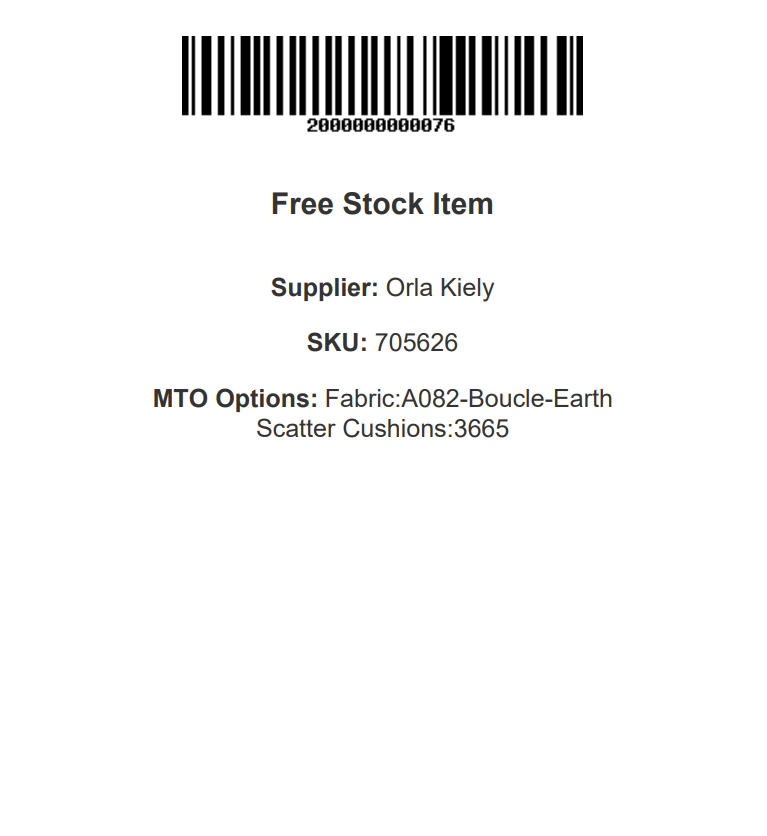
Warehouse (Free Stock) Labels
Warehouse (Free Stock) Labels will either be printed via a STAR printer, or via a standard A4 printer.
These have more information on them, and the barcode will be linked to either the Variant or the USR, as appropriate.
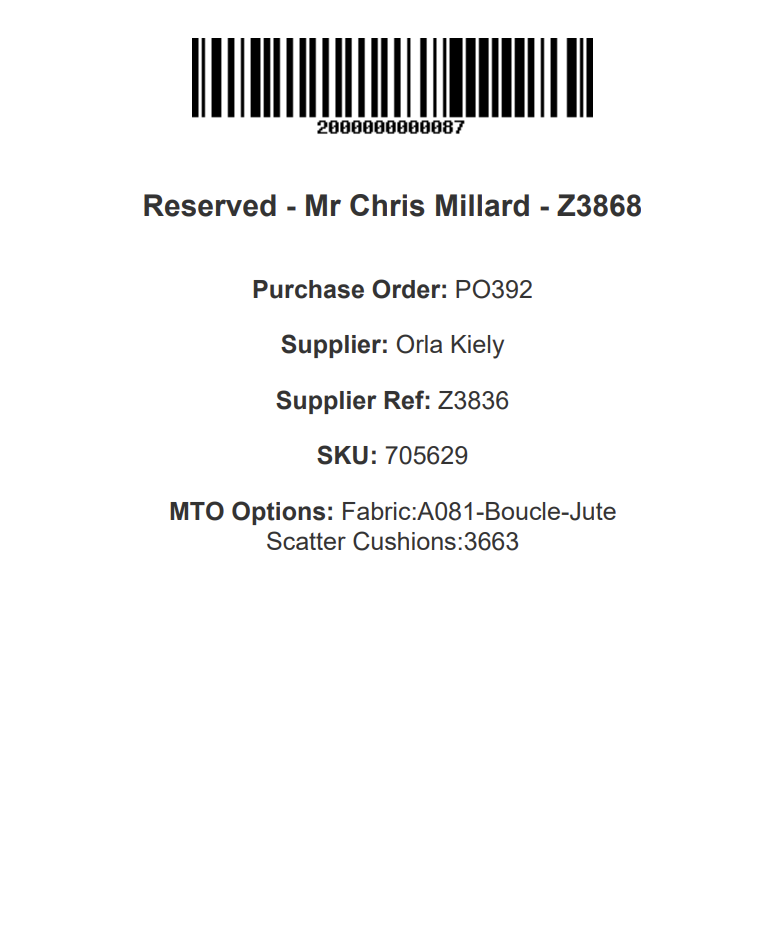
Warehouse (Reservation) Labels
Warehouse (Reservation) Labels will either be printed via a STAR printer, or via a standard A4 printer.
These have more information on them, and the barcode will be linked to either the Variant or the USR, as appropriate.
Purchase Order PDF