If the Location field is blank, that signifies that there is no stock allocated to the Sales Order line
# Product Labels Product Labels will either be printed via a [STAR printer](https://bookstack.iconography.co.uk/books/hardware-device-setup/chapter/star-printers "Hardware"), or via a standard A4 printer.If you are using a standard printer, you can control the size of label (quantity per sheet) in [Site Settings](https://bookstack.iconography.co.uk/books/site-settings "Site Settings")
These may be printed with and without prices. [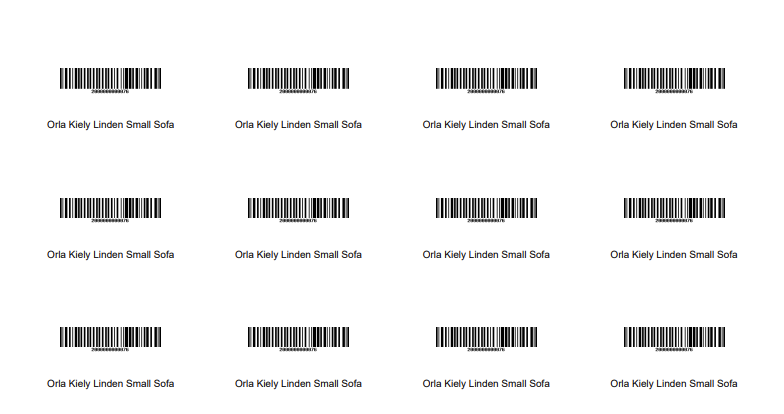](https://bookstack.iconography.co.uk/uploads/images/gallery/2025-12/cpJimage.png) # Sales Order Invoices These are output for each Sales Order.It is possible to customise the text that is output on these in [Site Settings](https://bookstack.iconography.co.uk/books/site-settings "Site Settings")
Example: [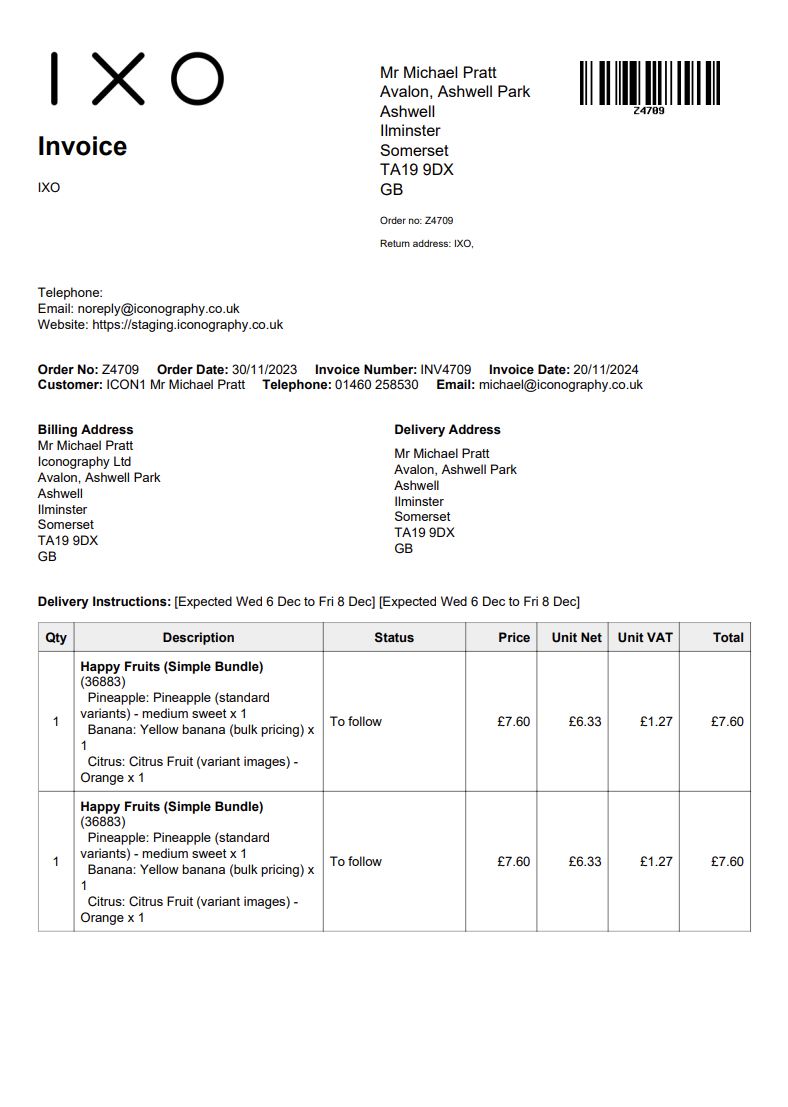](https://bookstack.iconography.co.uk/uploads/images/gallery/2025-12/wuUimage.png) # Shipping Labels # Warehouse (Free Stock) Labels Warehouse (Free Stock) Labels will either be printed via a [STAR printer](https://bookstack.iconography.co.uk/books/hardware-device-setup/chapter/star-printers "Hardware"), or via a standard A4 printer. These have more information on them, and the barcode will be linked to either the Variant or the USR, as appropriate. [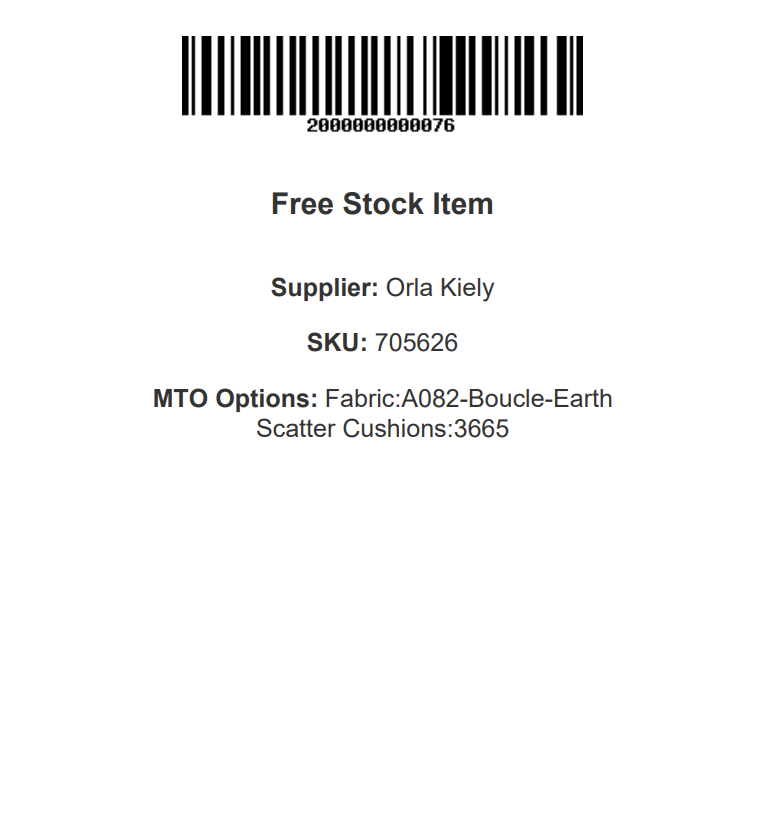](https://bookstack.iconography.co.uk/uploads/images/gallery/2025-12/Pyvimage.png) # Warehouse (Reservation) Labels Warehouse (Reservation) Labels will either be printed via a [STAR printer](https://bookstack.iconography.co.uk/books/hardware-device-setup/chapter/star-printers "Hardware"), or via a standard A4 printer. These have more information on them, and the barcode will be linked to either the Variant or the USR, as appropriate. [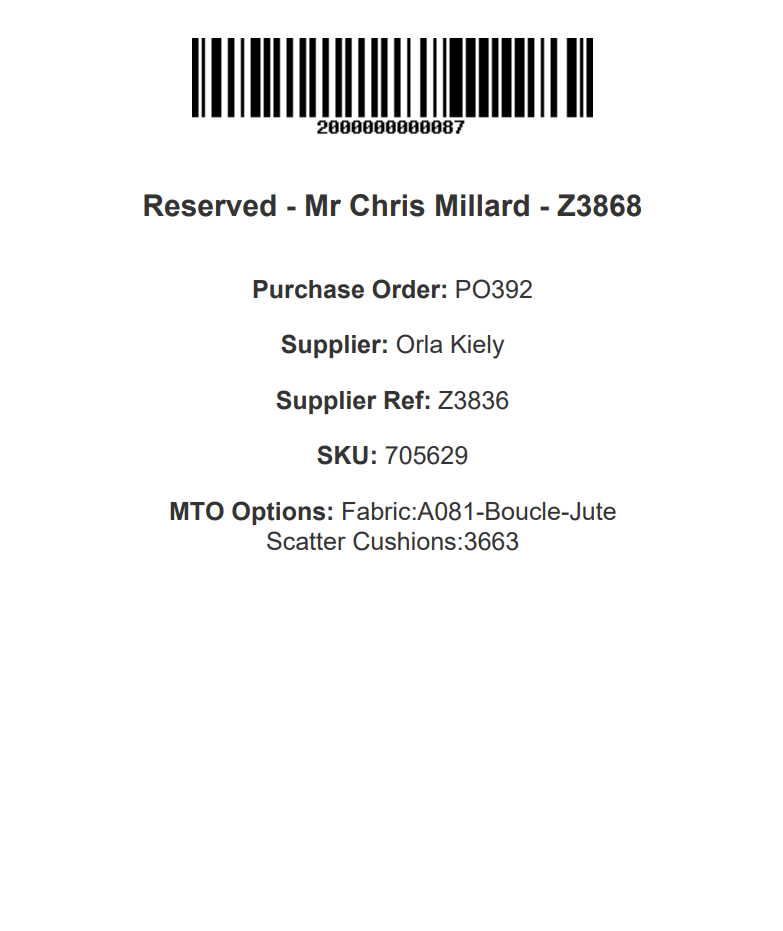](https://bookstack.iconography.co.uk/uploads/images/gallery/2025-12/yd4image.png) # Purchase Order PDF [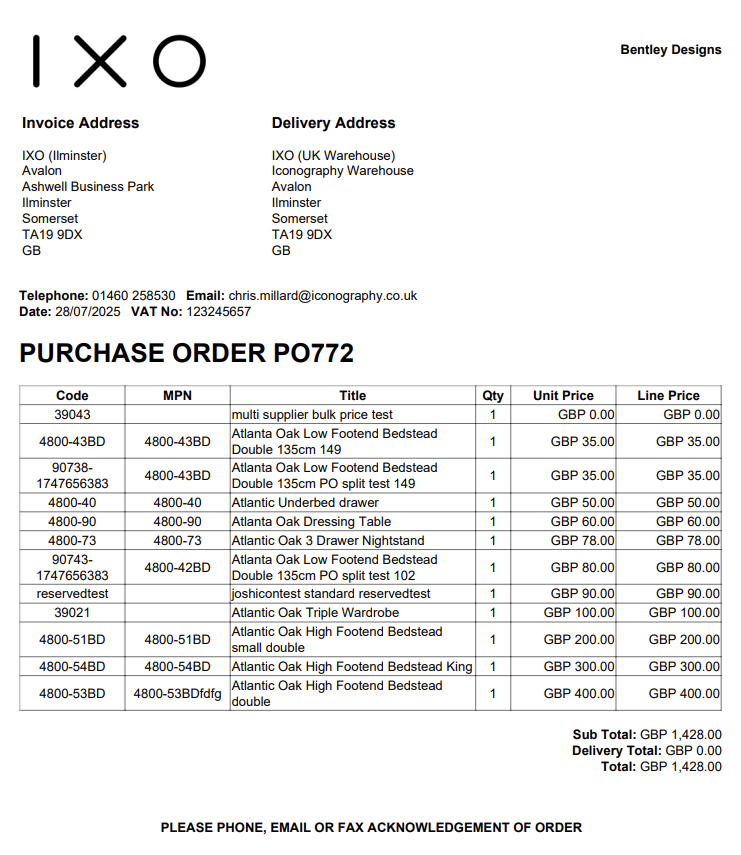](https://bookstack.iconography.co.uk/uploads/images/gallery/2025-12/52himage.png)