VAT Exemption reasons may be edited in [Site Settings](https://bookstack.iconography.co.uk/books/site-settings "Site Settings")
When adding a customer signature, this may be drawn with a mouse, or on a touch screen device. The form will be added as an attachment on a note against the order. [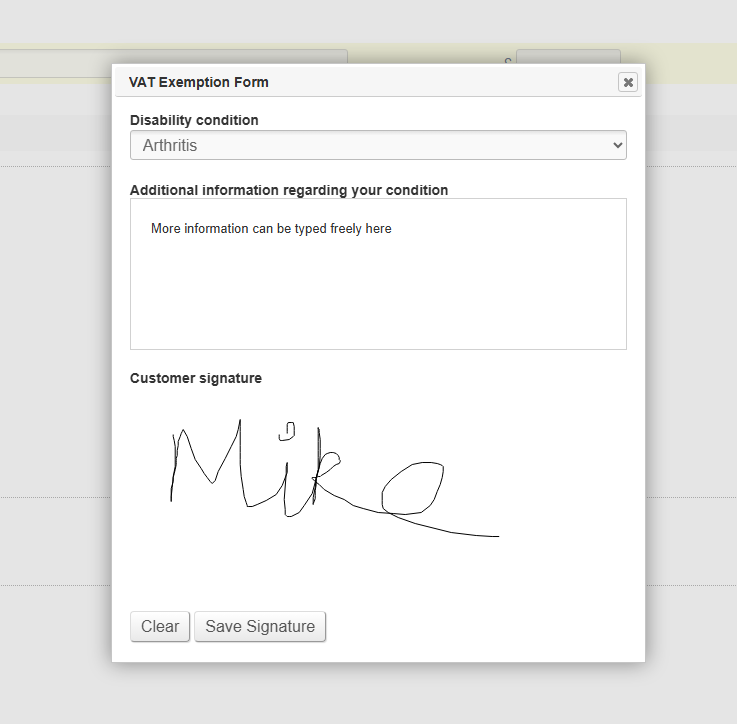](https://bookstack.iconography.co.uk/uploads/images/gallery/2025-09/uKVimage.png) # Refund to Voucher When processing a refund, it is possible to process a refund as a Voucher. If done, this will automatically create a voucher linked to that Customer's email address.This can be done via the CMS or via the POS