By default, disabled items will be hidden
[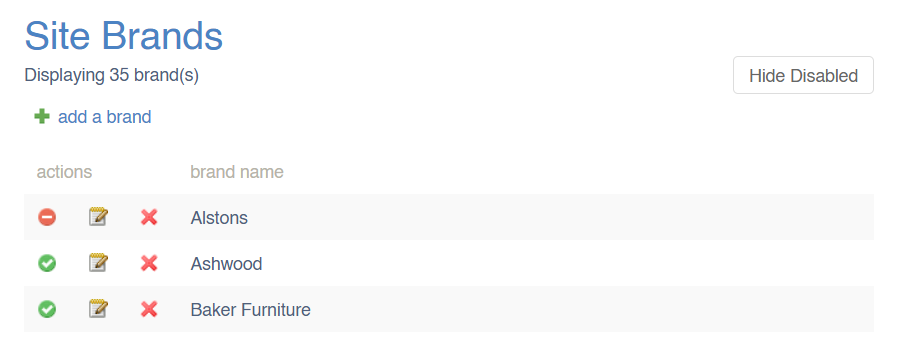](https://bookstack.iconography.co.uk/uploads/images/gallery/2025-02/image.png) For these purposes, disabled items include those which are actively disabled or archived. These include, but are not limited to: - Disabled Products - Archived Products - Disabled Categories - Empty [Dynamic Categories](https://bookstack.iconography.co.uk/books/categories/page/dynamic-categories "Dynamic Categories") - Disabled Collections - Disabled Brands - Disabled SuppliersDisabled items will still display in all reports and filters