Integrations
View and manage your integrations.
- Summary
- Common Integrations
- Storefeeder
- Affiliates
- eBay
- Permitted Third Party Domains
- Finance
- Sitemap
- Staingard
- StoreFeeder
- Xero
- ShipTheory
- Sales Order 'Acknowledged'
Summary
This contains essential resources and reporting regarding integrations.
Your system may include a variety of integrations, only some of which are mentioned on this page.
Key integrations include:
Common Integrations
Storefeeder
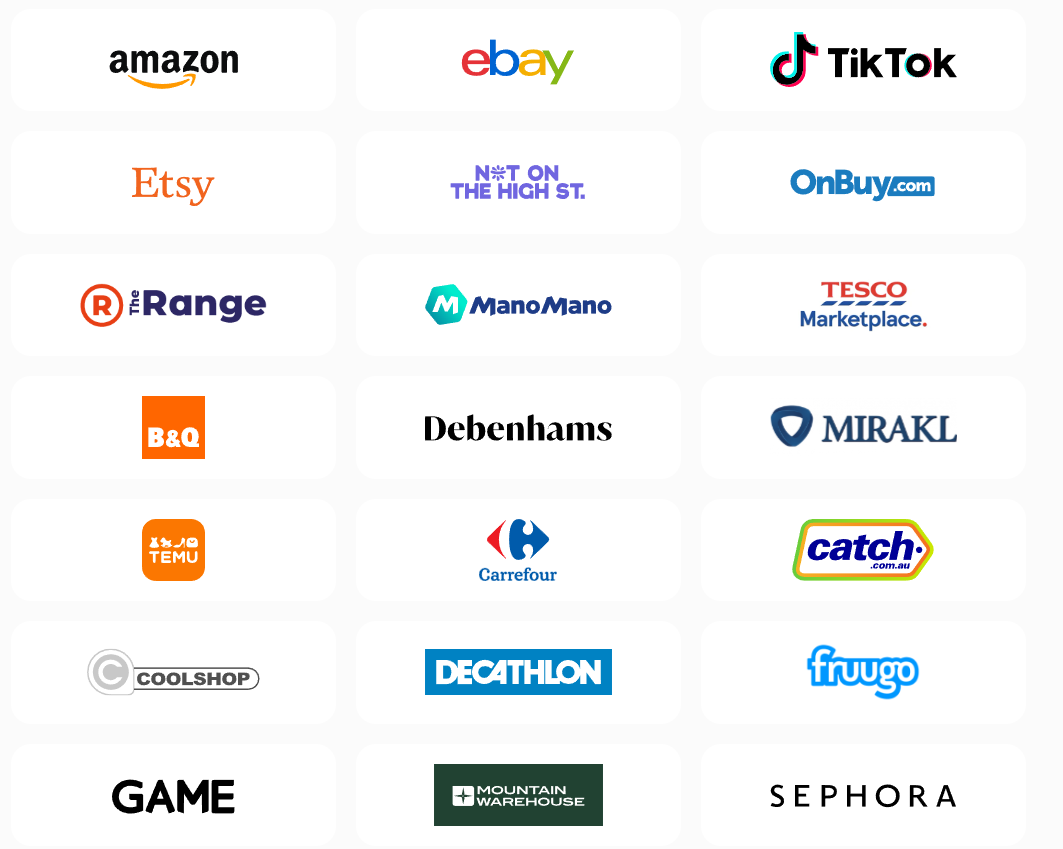
This third party service is used to link an IXO Commerce system to third party marketplaces like Amazon and eBay.
Primary Functionality
- All standard products sent to StoreFeeder by default
- Updates stock
- Updates pricing
- Downloads Sales Orders into CMS
Product listings can not be created in third party marketplaces; they can only be updated via the Storefeeder integration
Points of note
-
SKU needs to match what's set in IXO Commerce for updates to work
-
Listings are downloaded from a marketplace into StoreFeeder
-
Basic product data is uploaded from IXO Commerce into StoreFeeder to create a link between marketplace listing and the IXO
-
Listing and products from IXO Commerce must be mapped manually
- Stock shared across all marketplaces
- Pricing shared across all marketplaces but this can be optional if required
- Stock and prices updates every 15 minutes
- Special pricing comes across as normal price
-
Despatch notifications are passed to StoreFeeder to pass onto marketplaces
- Cancellation and returns not triggered to StoreFeeder
-
Items cancelled or returned on marketplace will be downloaded to IXO
Setup
You must connect your own account.
Connect StoreFeeder to Amazon

Integration
Check your emails for a email from "support@storefeeder.com" with the subject "StoreFeeder Account Creation" select Activate Account and enter a password.
2 Click "Settings"

3 Click "Edit/View Integration"

4 Click "Connect To Amazon"

5 Login into your Seller Central account

6 Click "United Kingdom"

7 Click "Select account"

8 Click here.

9 Click "Confirm"

10 Click "Test Connection"

11 Click "Test Connection"

12 Please inform Iconography that your account is connected to StoreFeeder

Affiliates
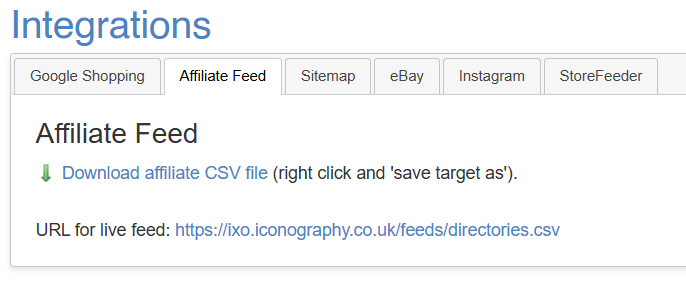
Your Affiliates Feed will be available via the Integrations section.
This can be downloaded as a file for manual import, or accessed via a URL for a live feed.
eBay
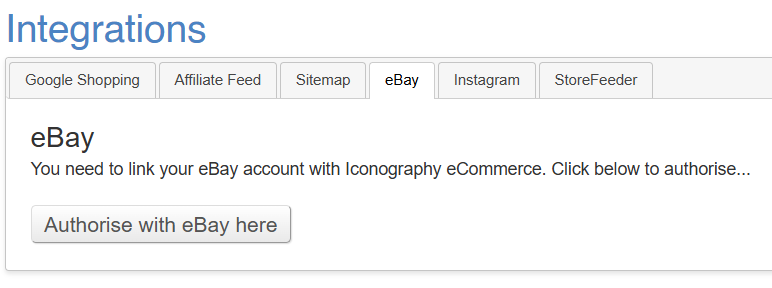
The eBay integration allows for feed to and from eBay.
For this tab to be visible, this Product must be linked to a Category that has been mapped to the eBay category hierarchy
Individual Products may be managed via the eBay tab and eBay Fulfilment Latency is managed via Site Settings.
How it works
The eBay integration will:
- Create new listings via individual Products (includes description, images and variant options)
- Update listings with Stock and Prices
- Import new Sales Orders from eBay
- Push Sales Order updates to eBay
Reauthorisation
Permitted Third Party Domains
This is a list of whitelisted domains for use within IXO Commerce. These are typically linked to integrations.
| Domain | Service |
|---|---|
vimeo.com |
Vimeo video embeds |
ampproject.org |
AMP blog pages |
clarity.ms |
Microsoft Clarity |
gstatic.com |
Google Fonts |
googleapis.com |
Google Fonts |
google.com |
Google Pay |
google.co.uk |
Google Pay |
google-analytics.com |
Google Analytics |
googletagmanager.com |
Google Tag Manager |
googleadservices.com |
Google Analytics |
googlesyndication.com |
Google Ads |
g.doubleclick.net |
Google Ads |
googlecommerce.com |
Google Commerce |
bing.com |
Bing tracking |
facebook.net |
Facebook Pixel |
trustpilot.com |
Trustpilot |
feefo.com |
Feefo |
chimpstatic.com |
Mailchimp |
klaviyo.com |
Klaviyo |
sibautomation.com |
Brevo |
omnisnippet1.com |
Omnisend |
ddlnk.net |
Dotdigital |
trackedlink.net |
Dotdigital |
trackedweb.net |
Dotdigital |
dotdigital-pages.com |
Dotdigital |
postcodeanywhere.co.uk |
Loqate (PCA Predict / Postcode Anywhere) |
opayo.cloud |
Opayo |
elavon.com |
Opayo |
stripe.com |
Stripe |
dnapayments.com |
DNA Payments |
blinkpayment.co.uk |
Blink Payment |
api.ipify.org |
Blink Payment |
applepay.cdn-apple.com |
Apple Pay |
cardstream.com |
Cardstream |
handepay.co.uk |
Handepay |
morphpay.com |
Morphpay |
paydough.me |
Paydough |
tponlinepayments.com |
Takepayments |
universaltp.com |
UTP |
paysafe.com |
Paysafe |
worldpay.com |
Worldpay |
paypal.com |
PayPal |
paypalobjects.com |
PayPal |
dekopay.com |
Deko Finance |
afterpay.com |
Clearpay Finance |
payments-amazon.com |
Amazon Pay |
zdassets.com |
Zendesk Chat |
zendesk.com |
Zendesk Chat |
zopim.com |
Zendesk Chat |
zendesk-eu.my.sentry.io |
Zendesk Chat |
smooch.io |
Zendesk Chat |
olark.com |
Olark Chat |
hotjar.com |
Hotjar tracking |
Finance
eCommerce finance integrations are available. If implemented, finance will be available at checkout.
A finance calculator will be shown on relevant Product pages, and as part of the checkout journey.
Individual Products may be disabled from finance if necessary.
Minimum order values, etc., are managed via Site Settings.
Supported Integrations

Google Adwords
Managed via Site Settings.
Google Analytics
Managed via Site Settings.
Google Maps API
Managed via Site Settings.
Google Shopping
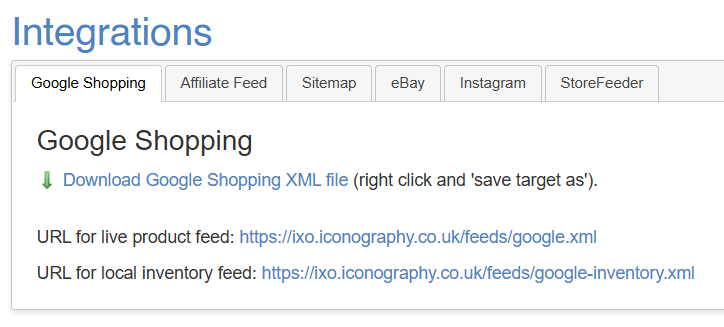
Your Google Shopping feed will be available via the Integrations section.
You may either download this file for manual upload, or enter a URL for live product/local inventory feeds.
Categories must be mapped to Google Shopping categories for this feed to function.
Products within Categories mapped to Google Shopping categories will be output in this file.
Manage Google Shopping information per Product.
Google Store Reviews
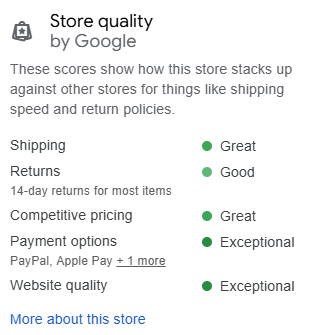
Support has been added for Google Store Reviews.
To function, reviews must be enabled with your Merchant Centre account, and you must enter your Merchant Id in Site Settings.
This will add a floating, expandable, review widget to your website:
In addition, successful orders will be sent to Merchant Centre for automated follow up.
Google Tag Manager
Managed via Site Settings.
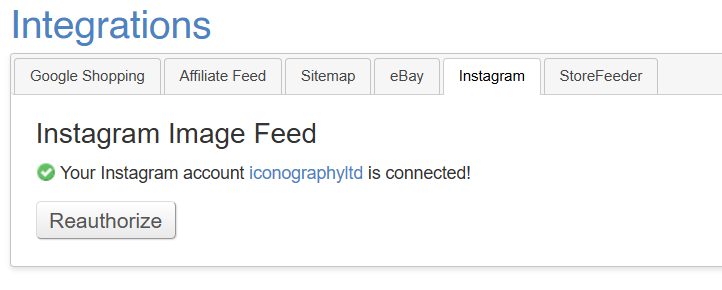
The Instagram integration allows for an Instagram image feed.
Sitemap
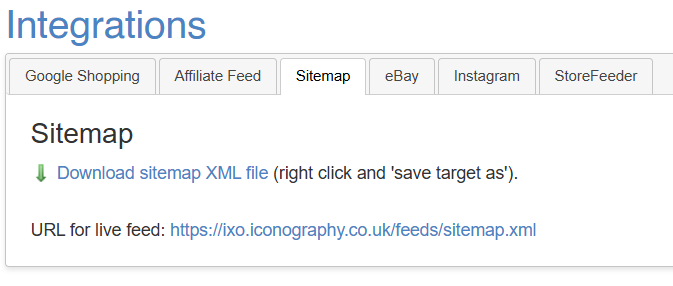
Your Sitemap will be available via the Integrations section.
You may either download this file for manual upload, or enter a URL for a live feed.
Staingard
Orders will be submitted directly to Staingard via their API (as per documentation ‘Staingard Warranty System API Documentation v1'). The whole order will be submitted once the first item on that sales order has been marked as delivered.
The warranty number will be returned via the API; this will be recorded as a note against the sales order.
It will not be possible to further update or cancel a warranty via the API.
Where an order upload fails, that Sales Order will be marked as 'Awaiting Action'.
StoreFeeder
StoreFeeder is a third party plug in that allows for the download of Sales Orders from multiple marketplaces.
How it works
All listings must be created directly within the marketplace - there is no automated listing creation available via this service.
IXO Commerce will import all Sales Orders from linked 3rd party marketplaces, and push updates when those Sales Orders are despatched.
IXO Commerce will push pricing and stock updates to existing listings.
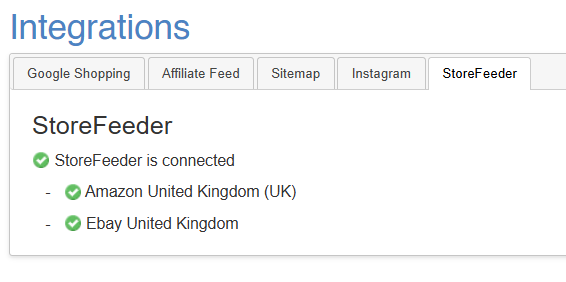
Status
The current status of the StoreFeeder link is visible within the Integrations section.
Integrated Marketplaces
Xero
The scheduler calls the following functions, in this order:
getItems
Gets default cost price of all items in Xero
getOrdersForXero
Get all orders from IXO that haven't been acknowledged already, excluding draft, abandoned, cancelled or quotes.
Creates the customer as a contact in Xero if it doesn't already exist.
Ensures all sold products exist in Xero. Adds them if not.
Posts an invoice to Xero as "draft" status
getReturnsForXero
Gets all returned items that haven't been acknowledged already.
Ensure the customer exists in Xero. Adds one if not.
Creates Credit Note in Xero as "draft" status
getPurchaseOrdersForXero
Gets all submitted purchase orders that haven't been acknowledged.
Ensures supplier exists as a contact. Adds one if not.
Ensures all products exist as items in Xero.
Creates a Purchase Order in Xero.
Purchase Order lines will inherit the IXO Commerce Nominal Code as the Xero Account Code
getUnpaidInvoices
Gets a list of unpaid invoices from Xero.
Compares payments in IXO against the Sales Order ID.
Creates a payment in Xero if one exists.
getUnpaidCreditNotes
Gets a list of unpaid credit notes from Xero.
Compares refunds in IXO against the Sales Order ID.
Creates a payment in Xero if one exists.
Configs
All Sales Order invoices can either be created as draft invoices, or as authorised.
There is a config that will change this. If created as draft invoices, they can be automatically updates to 'authorised' once all non cancelled lines on a Sales Order are marked as completed.
Behaviour
On mouseover (or tap for touchscreen devices), this will open as below.
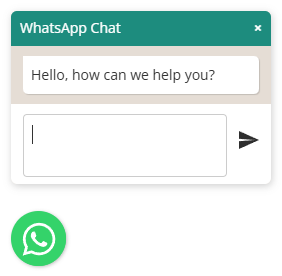
The customer will then be able to enter a message. When sent it will either:
- open the Whatsapp app on their device (if available)
- open Whatsapp for web
Customisation
It is possible to amend the colour of:
- Title
- Title background
- Message
- Button image
- Position (left and right)
ShipTheory
This integration connects IXO Commerce to Shiptheory for courier booking, label printing and returns management. Shipments are created automatically when order lines are despatched, and couriers, tracking numbers and labels are pulled back into the order.
CMS Configuration
Postage types that should route through Shiptheory need their "Courier Service Code" field set to shiptheory.
When order lines are despatched, a shipment is created in Shiptheory for each delivery type present on the order. Any courier returned is stored against the order, and any tracking number returned is stored against the order line.
A PDF of the Shiptheory label can be downloaded from the order edit screen using the "Print Shiptheory label(s)" button.
Returns (RMA)
Available only on sites with the dedicated returns RMA CMS section.
While a return has a status of "Authorised" or "Partially Received", a "Create & email Shiptheory label(s)" option appears with a drop-down of enabled return services. Selecting this adds a customer-facing note with the tracking number and attaches the return label(s), and emails a copy to the customer.
Sales Order 'Acknowledged'
This is a setting which is used by third party integrations such as Xero to flag which Sales Orders have been imported.
If ticked, this will remove the Sales Order from the export feed.
If unticked, this will add the Sales Order into the export feed.
If acknowledged, it will no longer be possible to adjust Sales Order delivery and discounts.