Pages
Manage your web content here.
Summary
This screen shows a list of all content pages on your website (excludes Category, Brand and Collection pages).
These may be individual landing pages with specific URLs, or nested collections of pages like 'Customer Information' or 'About Us'.
Users are able to make as many pages as are required.
Key to icons
 = is live
 = is disabled
 = edit
 = delete
 = can not be deleted
 = copy
 = view sub pages
Page Content
When editing a page, This uses IXO Commerce's Modular Block system to allow you to manage your content.
Header Overlap
It is possible to enable a header overlapon any content driven page, e.g.
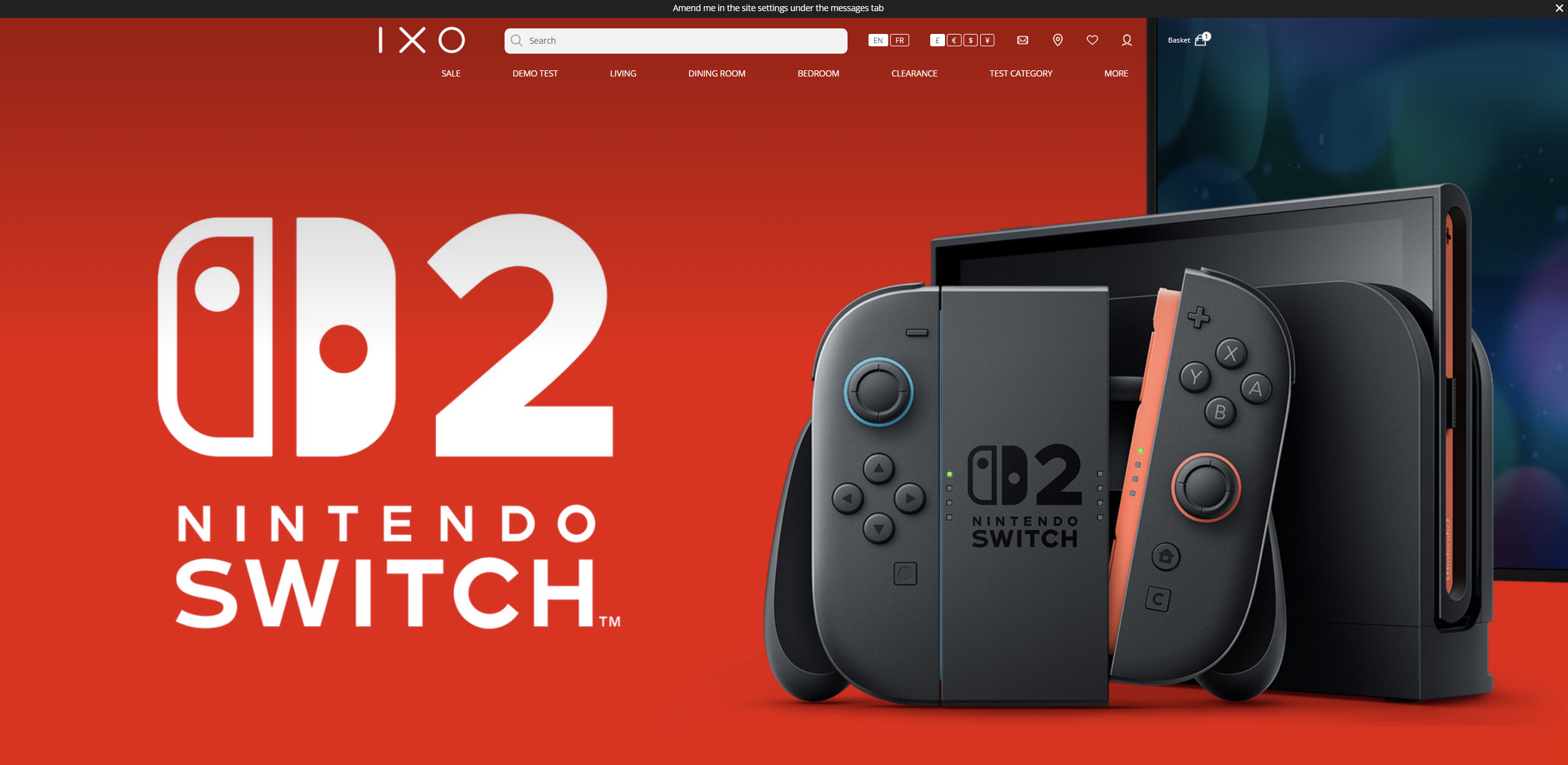
To achieve this look and feel, the first block on the page must be a Hero block or a Video block, and that block must be set to:
- Full Width
- Allow header overlap must be set to yes
- Hide left navigation must be set to yes (if applicable)