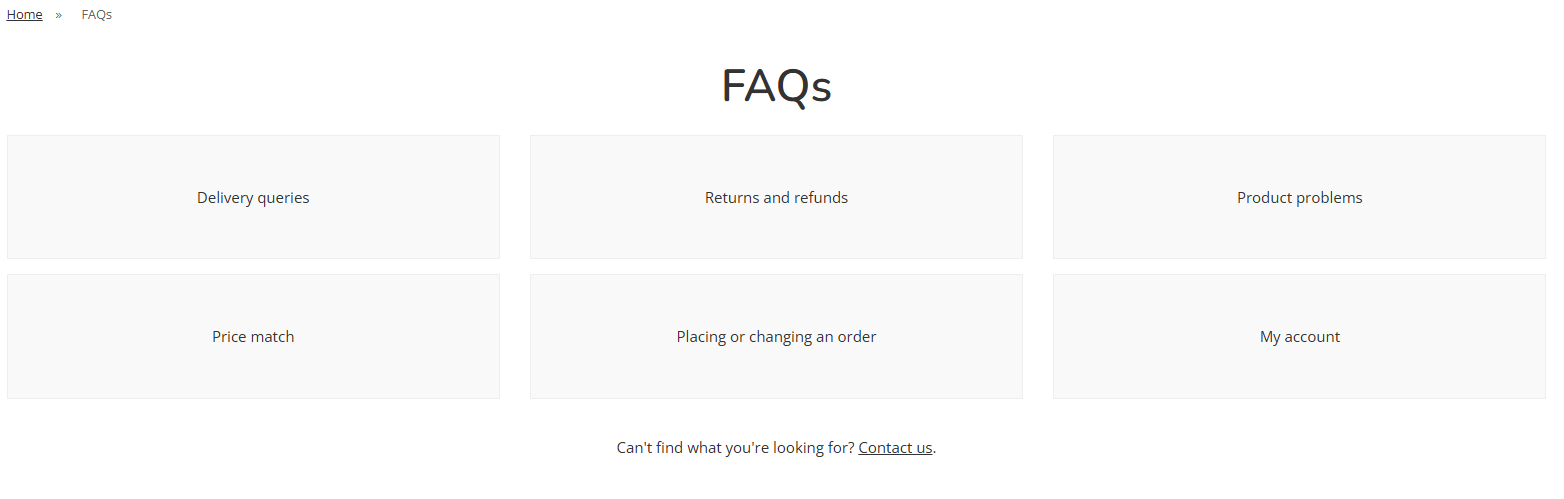
Hide Left Navigation
This will allow the user to toggle how the left hand navigation appears on Product Listing Pages and Content Pages.
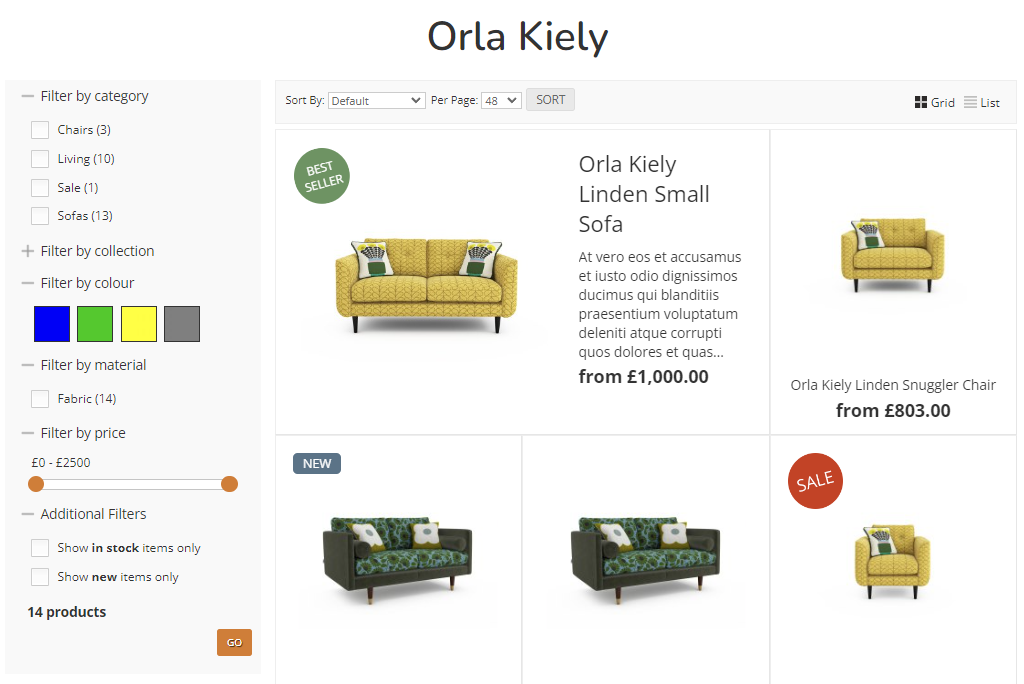
Product Listing Pages
With Left Hand Navigation
The filters will always be displayed on the screen.
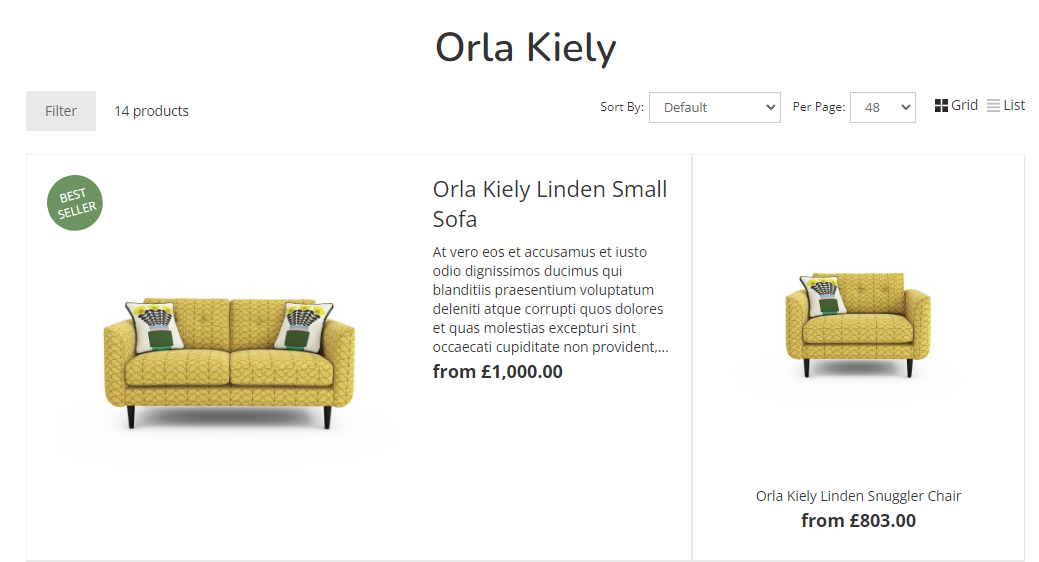
Without Left Hand Navigation
Content Pages
With Left Hand Navigation
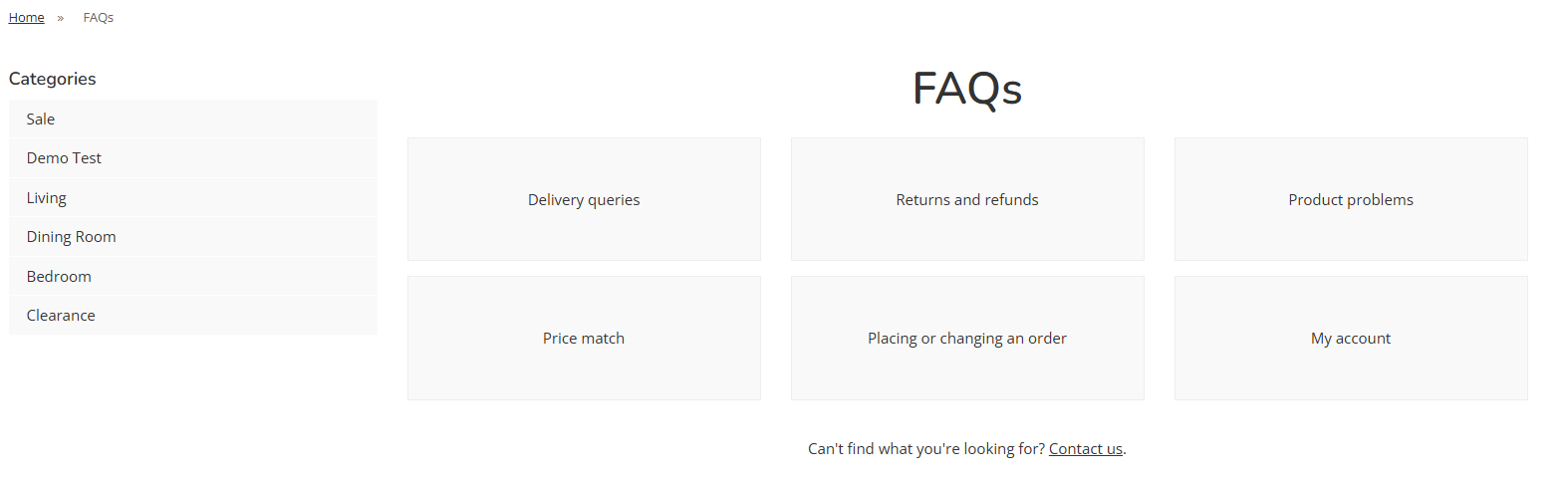
Without Left Hand Navigation