Creating Purchase Orders via Required Orders
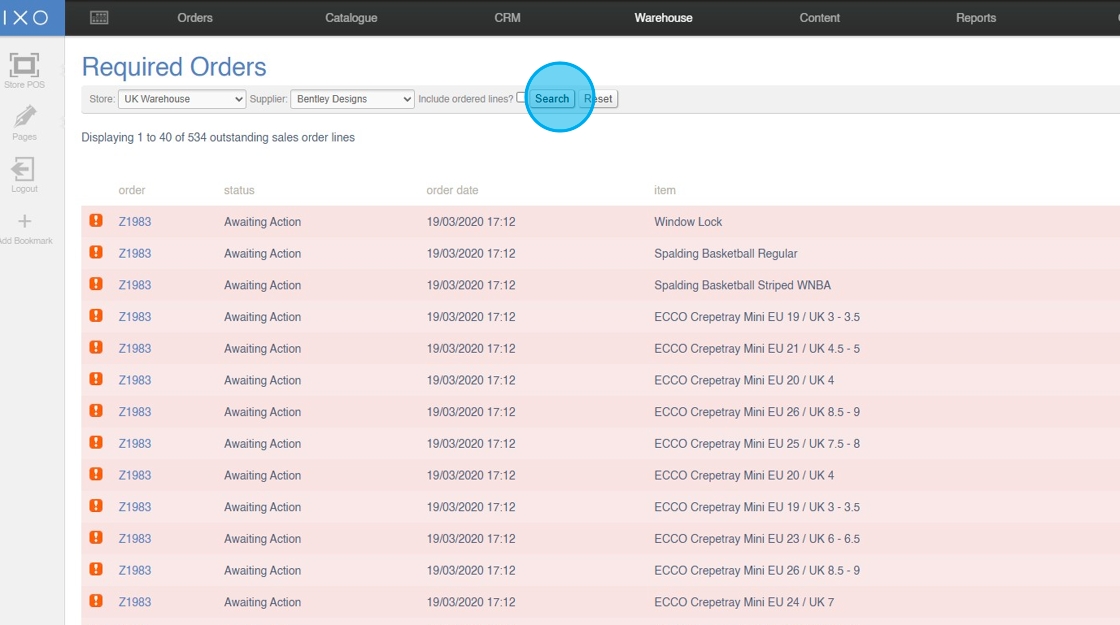
Apply Filters
1. Filter the screen by 'Store' (optional)

2. Filter the screen by 'Supplier' (optional)

3. Click "Submit"
Create Purchase Orders
4. Select multiple products to order

5. Toggle lines to be drop shipped (DHD) directly to the Customer (optional)

6. Click "Submit"

7. Click to view your Purchase Orders
