
Summary
Use this section to create, edit and manage FAQs. These Frequently Asked Questions will be output on your website at www.yourdomain.co.uk/faqs.
You can insert additional content to this page via the Modular Blocks; just look for the relevant page under the Content section of your CMS
Key to icons
 = is live
 = is disabled
 = edit
 = delete
Setup
Categories
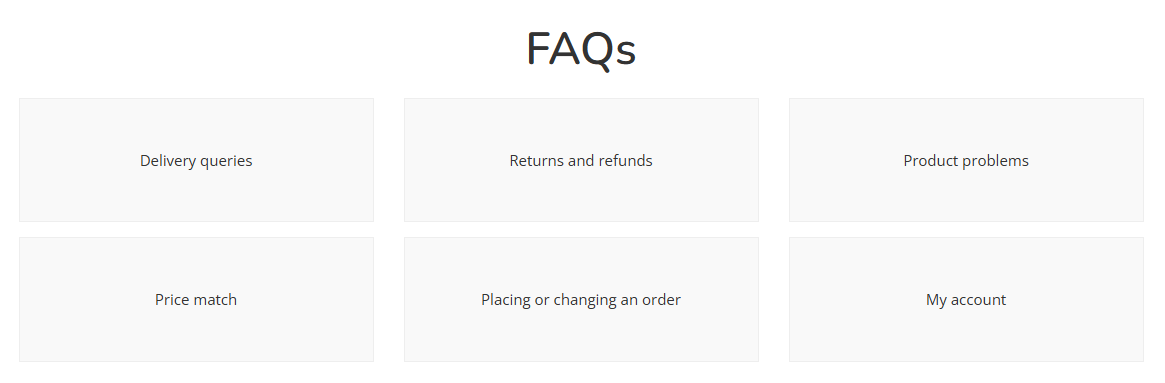
You can set up as many FAQ Categories as you wish; these will be used to streamline the customer journey.
| Field | Purpose |
| Category Name | This will be displayed to the customer |
| Live | Toggle between yes and no |
Rules
It is possible to attach rules to FAQs. These will then output against individual Products that meet those criteria.
They will be output below Product level FAQs, and in the sequence of the FAQs, which may be altered via drag and drop
Questions
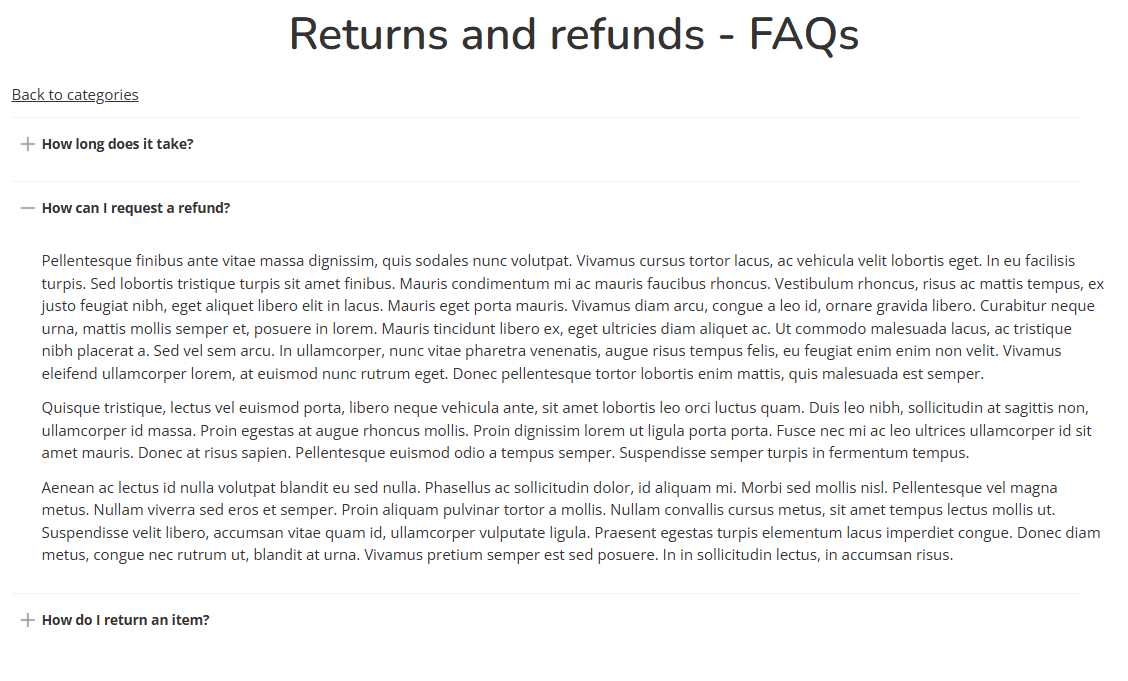
You can add as many questions as you like within a Category.
| Field | Purpose |
| Question | Enter a question |
| Answer | Enter the answer |
| Live | Toggle between yes/no |