
Timed Pricing
This screen will show all queued price changes that have been added via the Price Management screen.
It is not possible to edit price changes once they have been added, merely cancel them
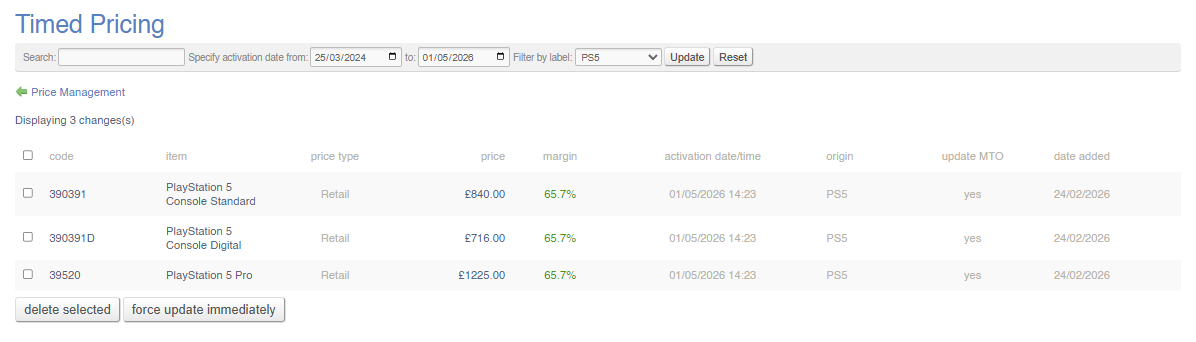
Use the tick boxes on the left to select Timed Pricing changes to cancel.
Filters
This report may be filtered by:
- Search (by SKU or Product Name)
- Date Range
- Label (choose from drop down)
Actions
You may select price changes in bulk and either:
- delete them
- force update immediately (overrides the schedule and activates the price immediately)
FAQs
FAQs for Log Reports may be viewed here.