PDP Customisation
There are a variety of settings that will make changes to the PDP. Some o these are listed below.
Secondary image placement
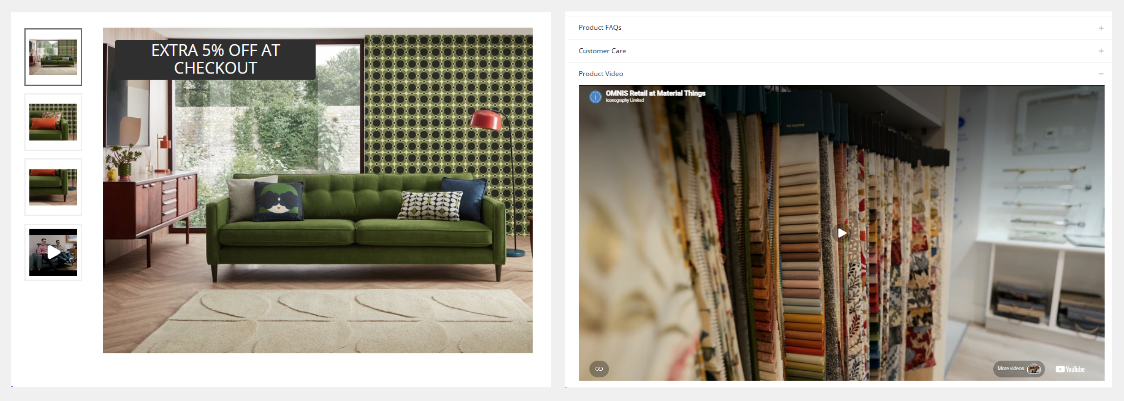
Video as an image thumbnail
By default, videos added to Products will be displayed as a tab. Alternatively these may be viewed as an image thumbnail.
If set to show the image as a thumbnail, when clicked, it will auto-play in a pop up, but muted.
This may be controlled in Site Settings as a global setting for all Products.
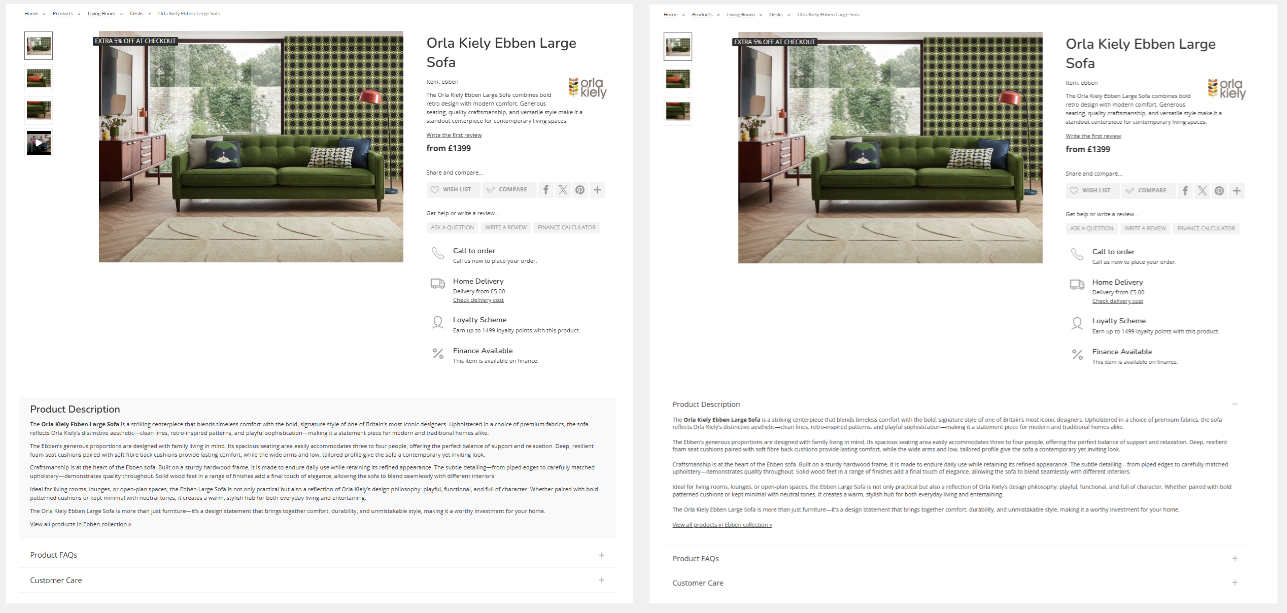
Product description styled as first tab
By default, Product descriptions are styled separately. These will be visible on the page, and stand apart from the product tabs. The description may have a different appearance including, but not limited to coloured backgrounds and fonts.
If styled as a tab, the Product description will be set to be open on page load
This setting may only be changed by Iconography.