Product Layouts
The below layout options are available when setting up your Categories. These only apply t Product layout, and not to Collections, sub Categories, or other content.
Grid
2 Column
A simple two column layout of Products.
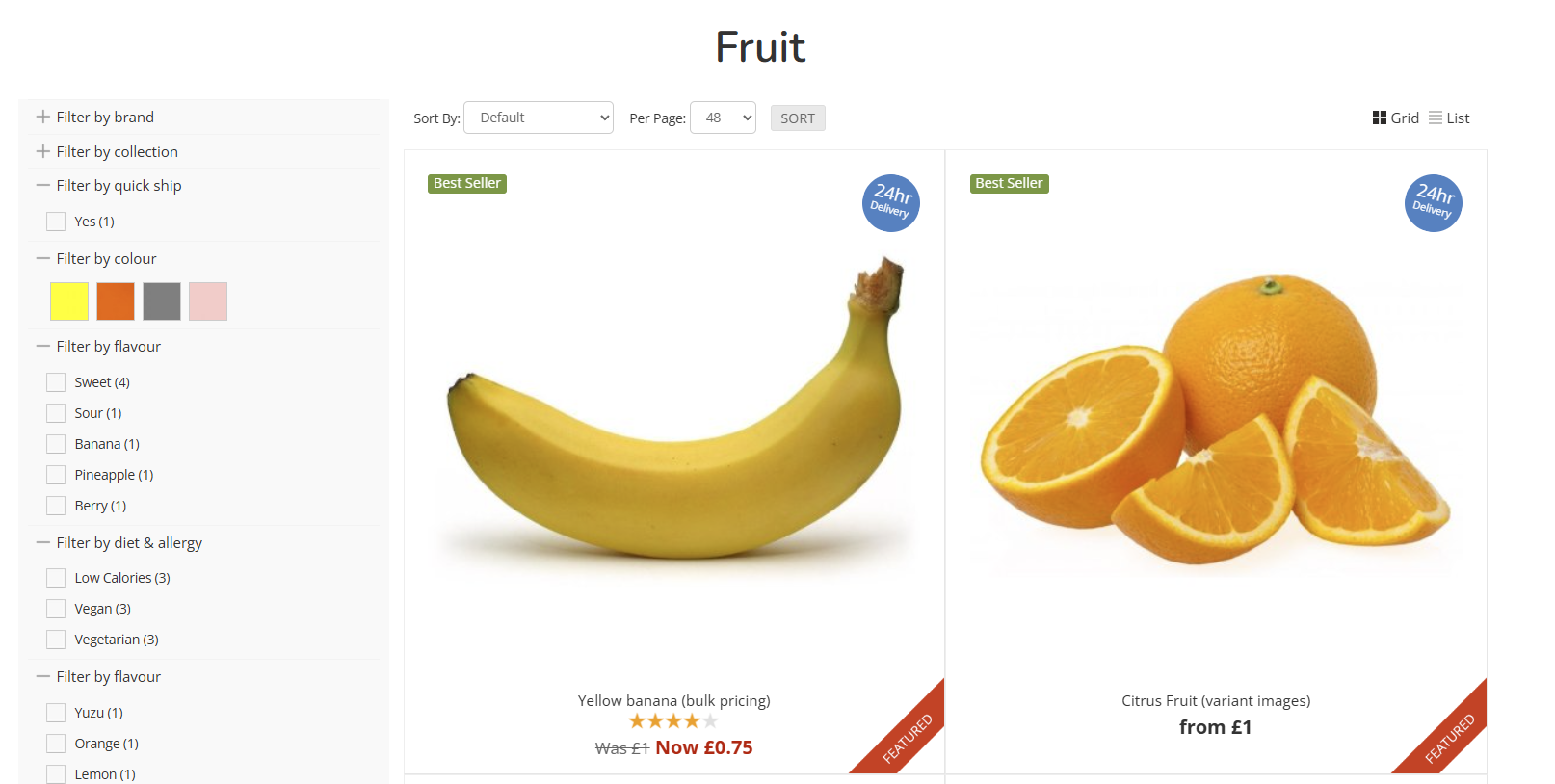
3 Column
A simple three column layout of Products.

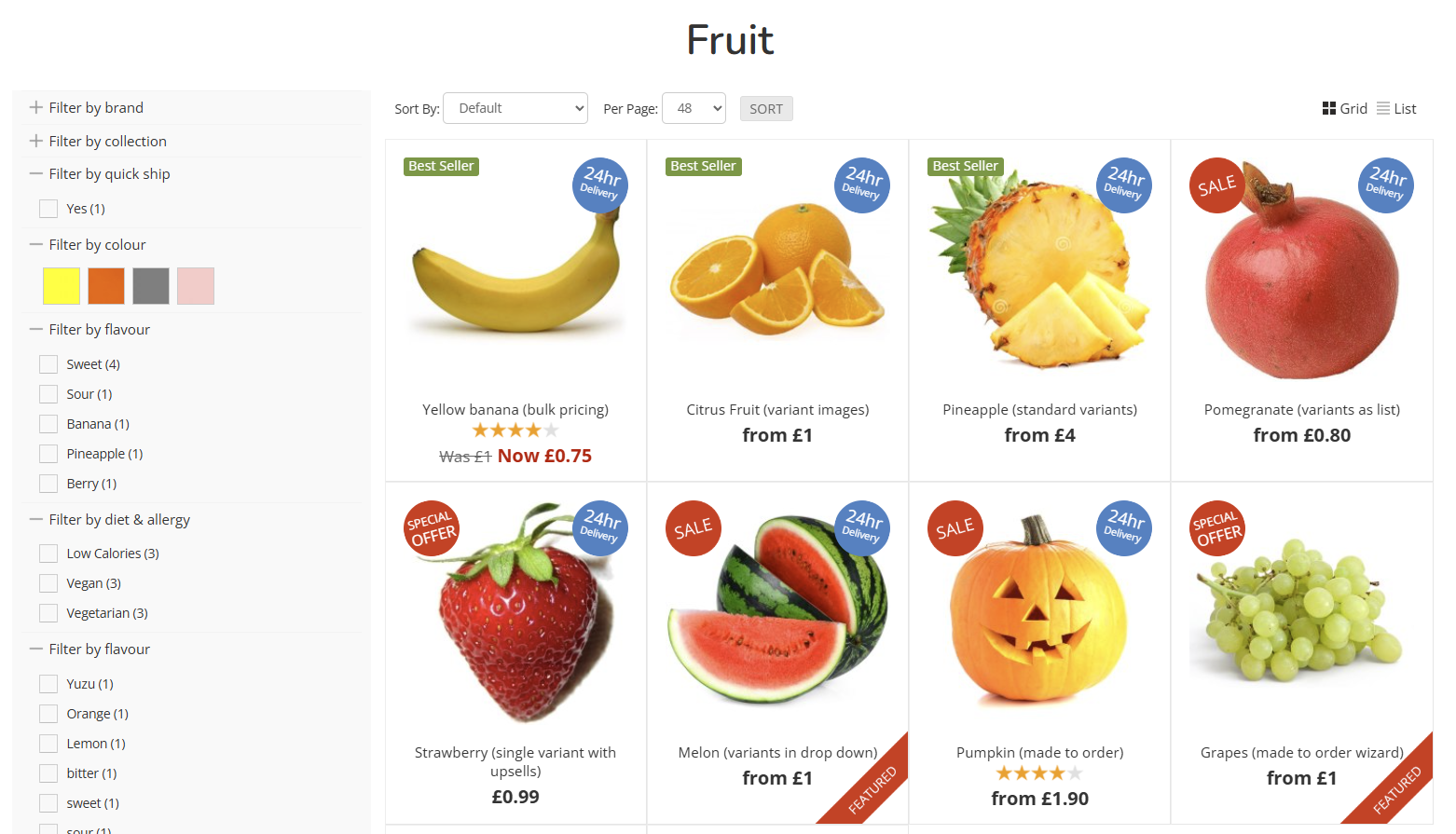
4 Column
A simple four column layout of Products.
List
Standard List
Sets the Category to be in list view. This will display the Product Summary on the Product Listing Page.
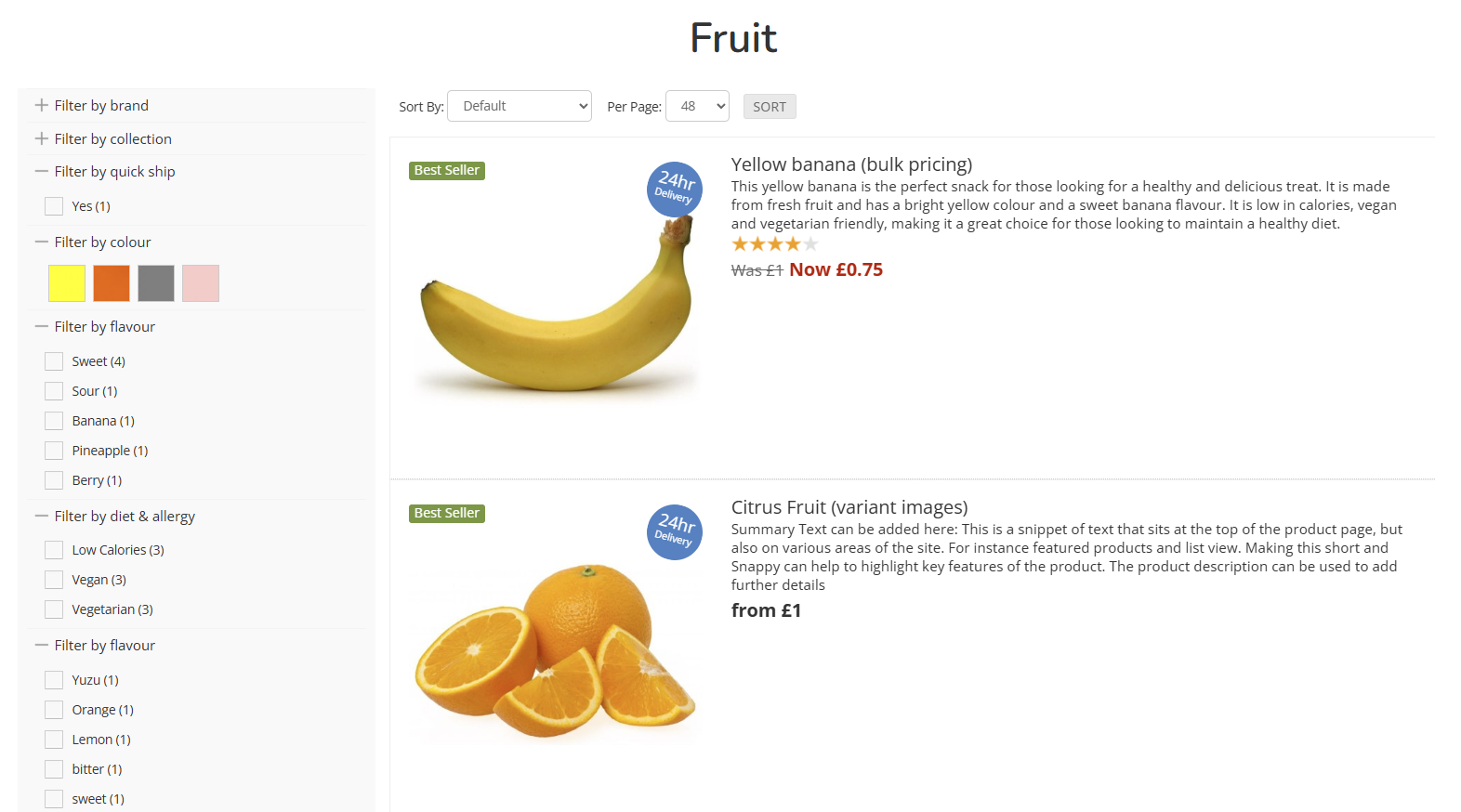
Compact List
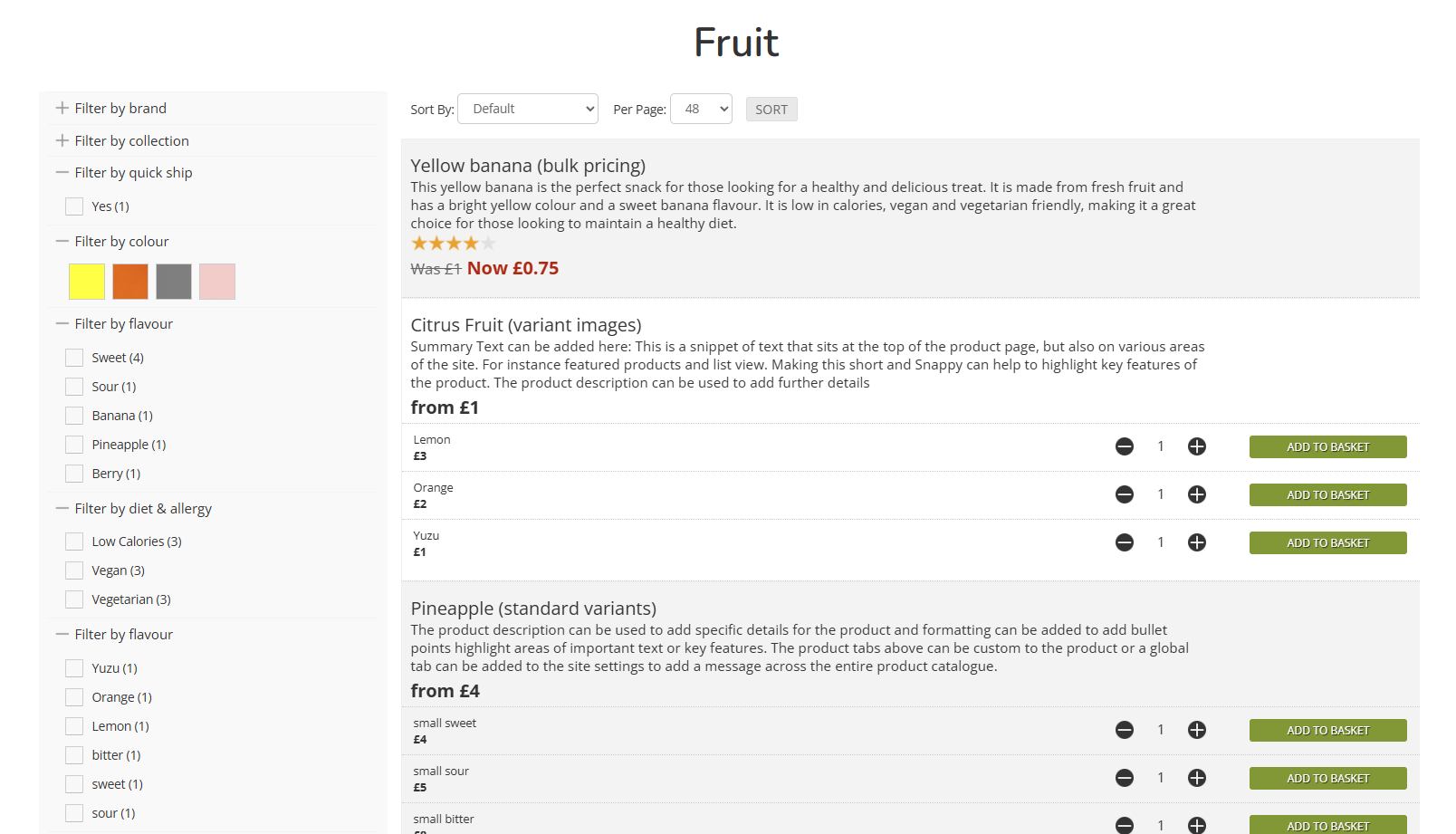
Sets the Category to be in a compact list This will display the Product Summary on the Product Listing Page, and also split out the Variants for immediate purchase from the Product Listing Page.
This is ideal for Products for simple options, e.g. sizing, or where you expect a Customer to purchase multiple items from the same Product Listing Page
Advanced
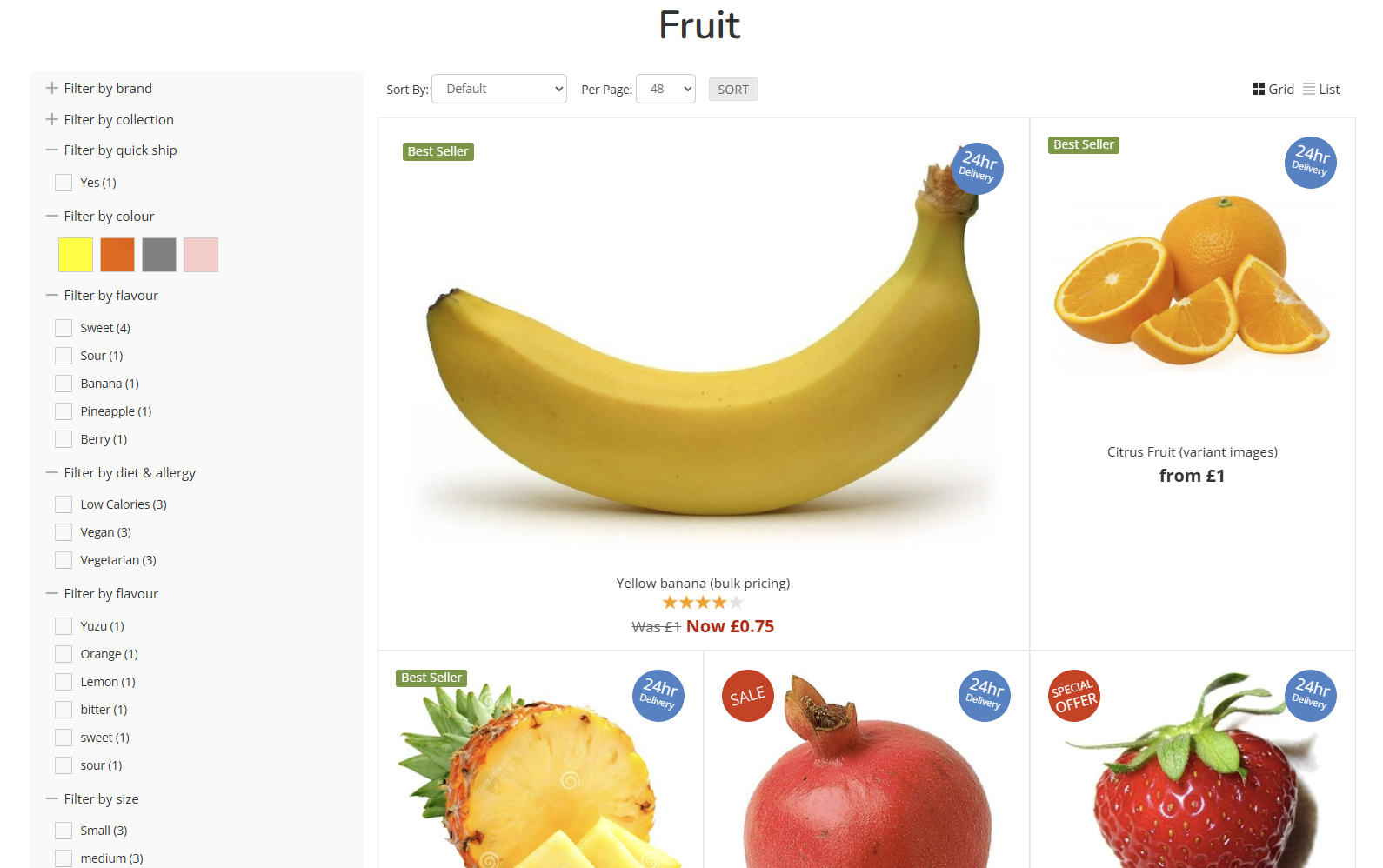
3 Column (first large)
A three column layout, with the first Product displayed at double height.
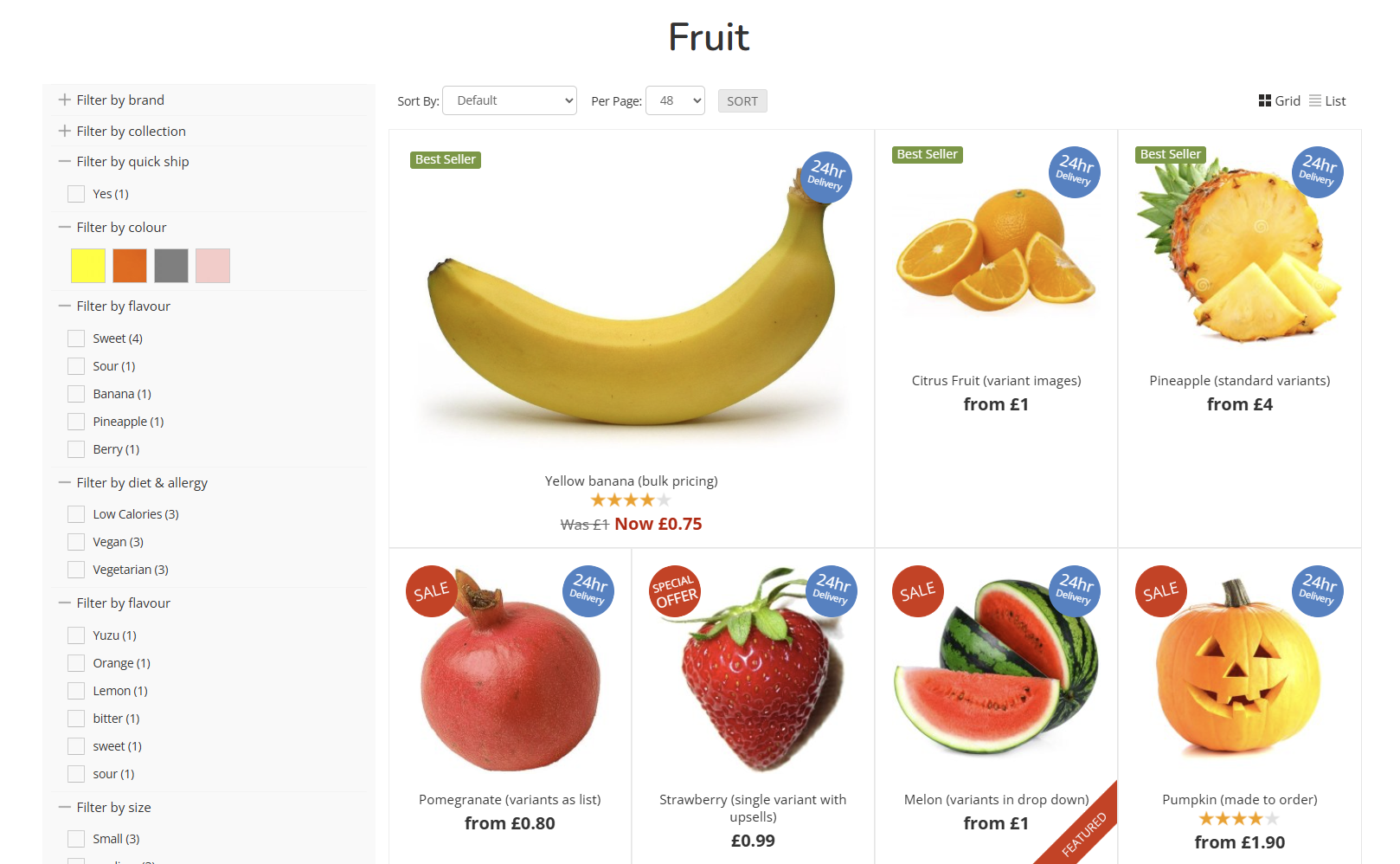
4 Column (first large)
A four column layout, with the first Product displayed at double height.
3 Column (original aspect)
A three column layout, which will retain the original aspect ratio of the uploaded image without cropping.
4 Column (original aspect)
A four column layout, which will retain the original aspect ratio of the uploaded image without cropping.
Funky
Funky (alternating)
An alternating layout, which moves between two and three column layouts.
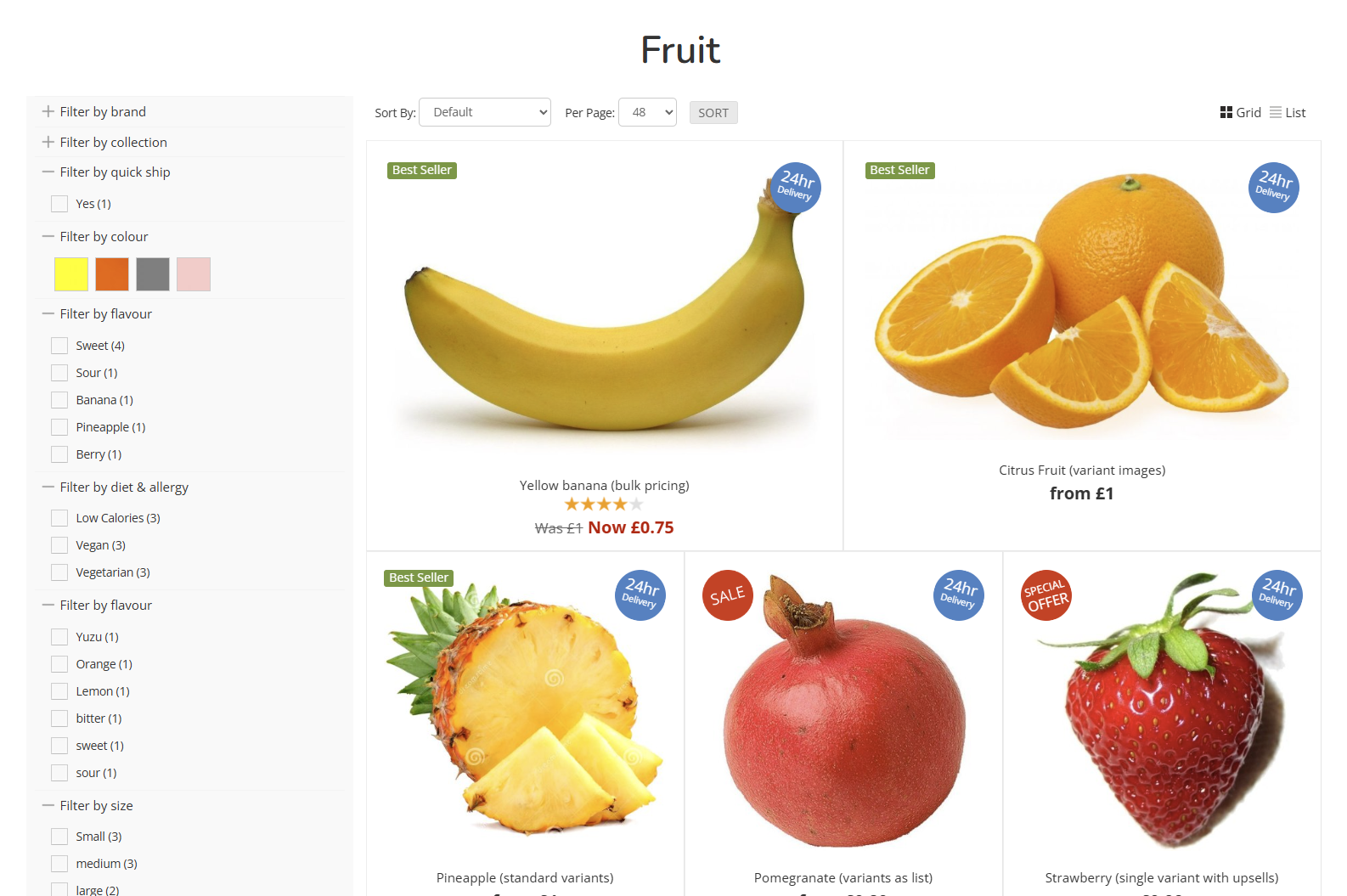
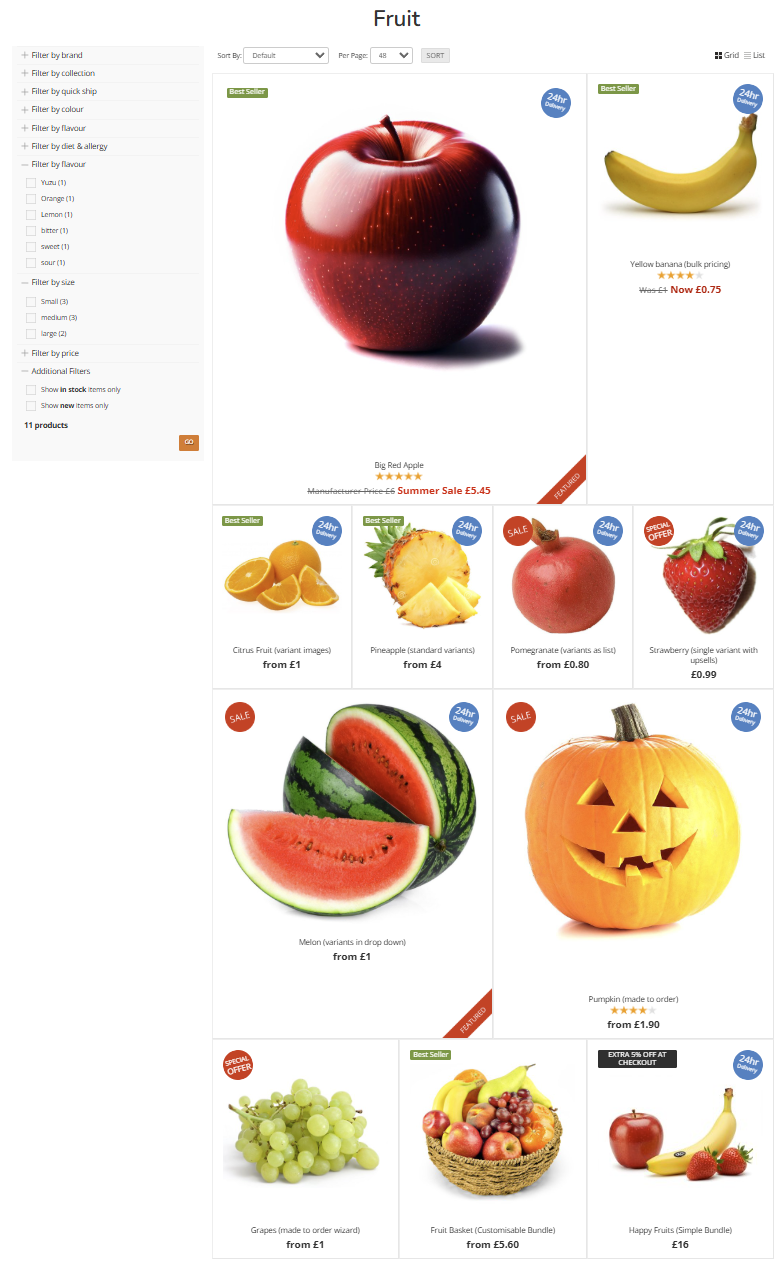
Mega-Funky (mixed)
The largest variety of layouts in a single view; this will combine a mix of all other layouts to break up the page.