
Summary
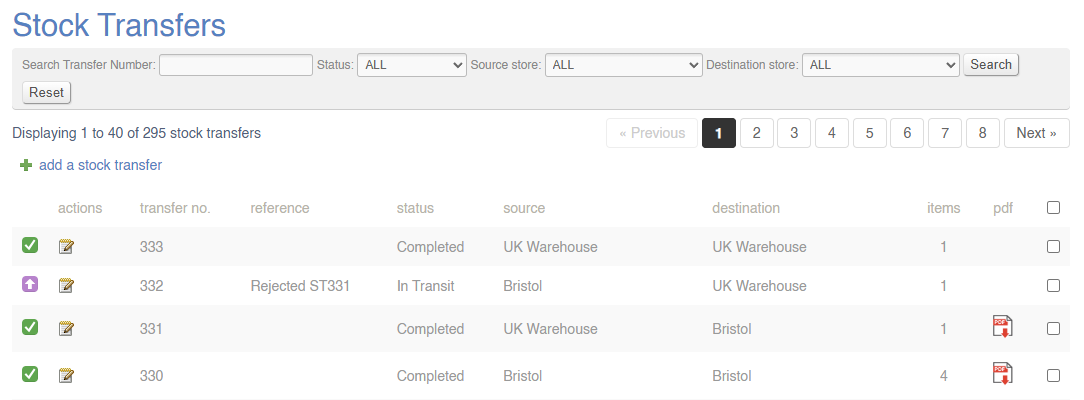
From this screen, you can view, create and manage Stock Transfers.
Key to icons
 = open
 =
= submittedin transit
 = received
 = awaiting action
 = completed
Management
Summary View
View a summary of all Stock transfers.
Click here for more information.
Create New Transfer
Click to create a new Stock Transfer; this could be an internal stock movement, or between two Stores.
For a full guide, click here.
Stock Transfer (Detail)
Use this screen to manage individual Stock Transfers, or to receive items.
Items may also be received via the Goods In screen
For a full guide, click here.
FAQs
Is it possible to close an incomplete Stock Transfer?
No - all items must either be received or rejected before a Transfer can be completed.
An item hasn't arrived. What do I do?
Missing items need to be rejected.