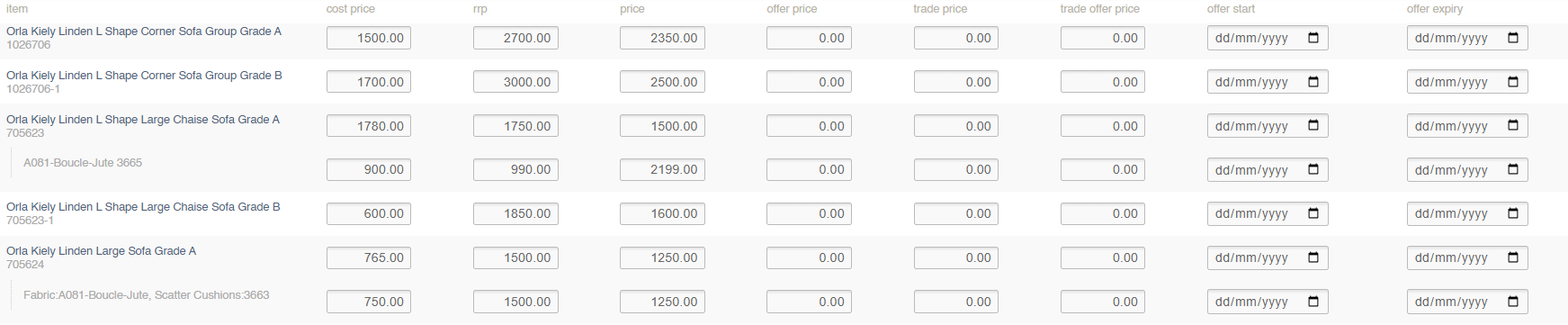
Manual Entry
To manually adjust prices, use the search and filters to locate the Products and Unique Stock Records that you need to edit.
Then enter new prices in the relevant fields.
When fields have been updated, they will be highlighted in green; all changes will be stored automatically with no need to save
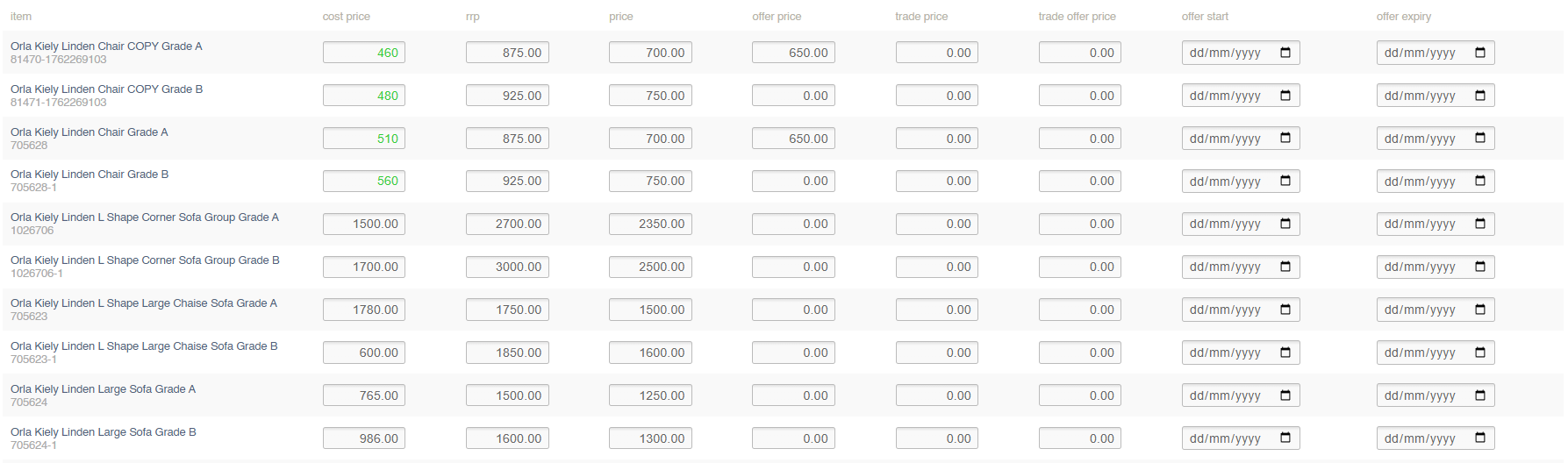
Filters
This screen can be filtered by:
- Product Search (SKU Code/Name)
- Category
- Supplier
- Brand
- Collection
- Include Unique Stock Records (see below)
Unique Stock Records
If checked, Unique Stock Records will be shown, and pricing may be updated.
To be shown a Unique Stock Record must be enabled for POS or Web