Product Detail Page (POS)
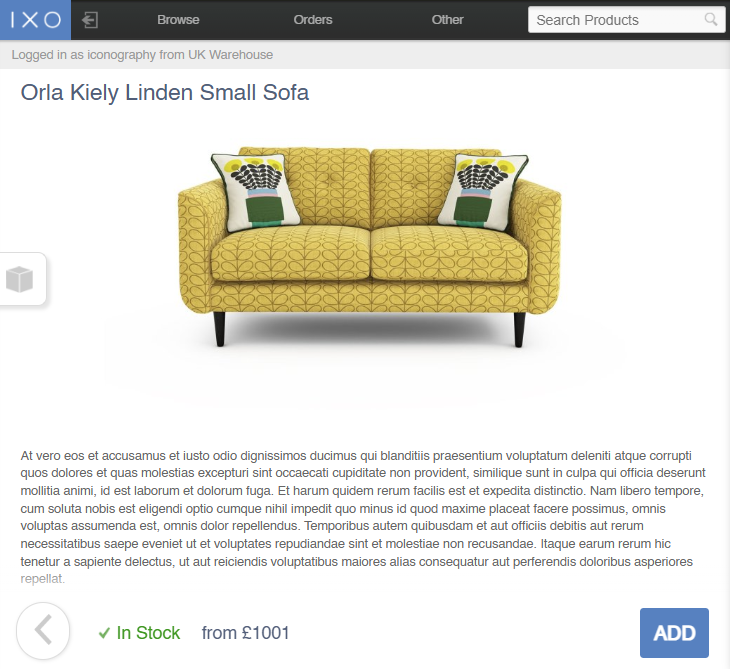
This screen shows esential information about the Product, in a similar way to the eCommerce Product Detail Page.
Stock Information
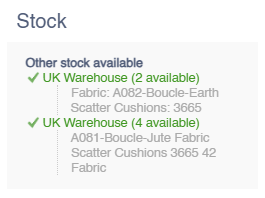
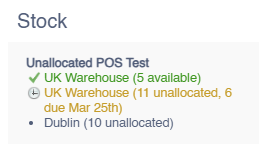
Stock information is shown by tapping/hovering on the box icon on the left hand side
On Order
This will show a breakdown of all units On Order for that SKU.
This will show the next delivery date of any unit (either allocated or unallocated), based on the confirmed delivery date per Purchase Order line.
USRs
This will show a breakdown of all Unique Stock Records with stock, if they are also enabled for the POS.