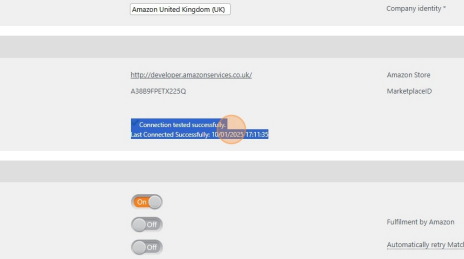
Storefeeder
This third party service is used to link an IXO Commerce system to third party marketplaces like Amazon and eBay.
Primary Functionality
- All standard products sent to StoreFeeder by default
- Updates stock
- Updates pricing
- Downloads Sales Orders into CMS
Product listings can not be created in third party marketplaces; they can only be updated via the Storefeeder integration
Points of note
-
SKU needs to match what's set in IXO Commerce for updates to work
-
Listings are downloaded from a marketplace into StoreFeeder
-
Basic product data is uploaded from IXO Commerce into StoreFeeder to create a link between marketplace listing and the IXO
-
Listing and products from IXO Commerce must be mapped manually
- Stock shared across all marketplaces
- Pricing shared across all marketplaces but this can be optional if required
- Stock and prices updates every 15 minutes
- Special pricing comes across as normal price
-
Despatch notifications are passed to StoreFeeder to pass onto marketplaces
- Cancellation and returns not triggered to StoreFeeder
-
Items cancelled or returned on marketplace will be downloaded to IXO
Setup
You must connect your own account.
Connect StoreFeeder to Amazon

Integration
Check your emails for a email from "support@storefeeder.com" with the subject "StoreFeeder Account Creation" select Activate Account and enter a password.
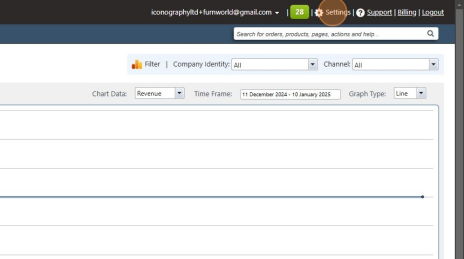
2 Click "Settings"
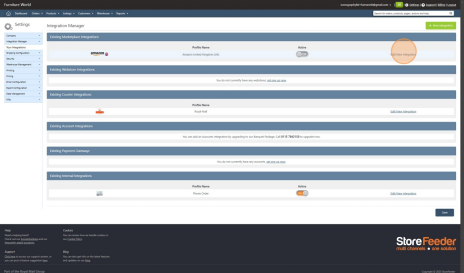
3 Click "Edit/View Integration"
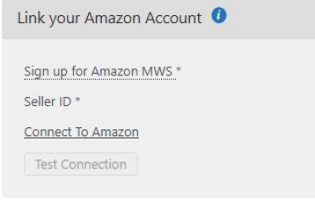
4 Click "Connect To Amazon"
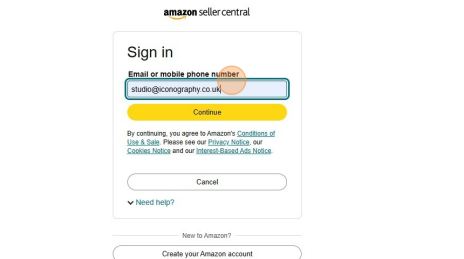
5 Login into your Seller Central account
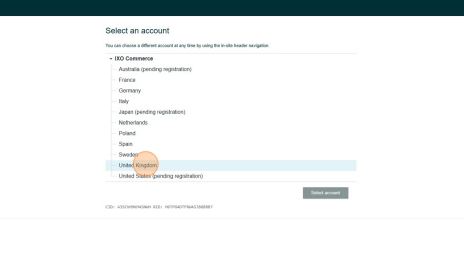
6 Click "United Kingdom"
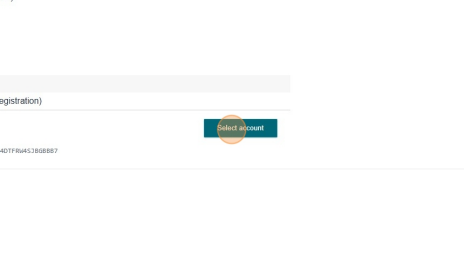
7 Click "Select account"
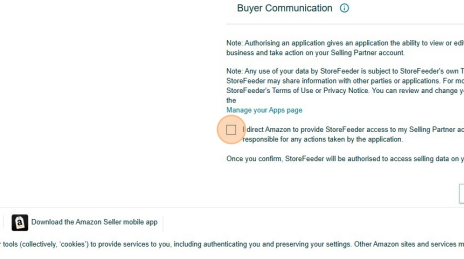
8 Click here.
9 Click "Confirm"
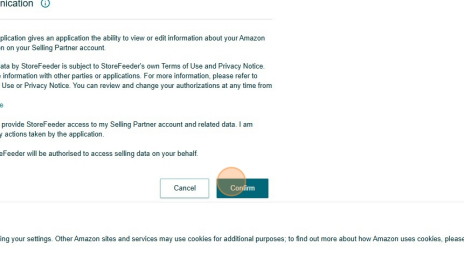
10 Click "Test Connection"
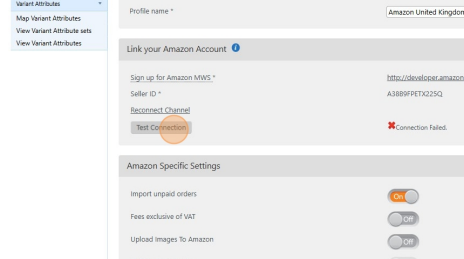
11 Click "Test Connection"
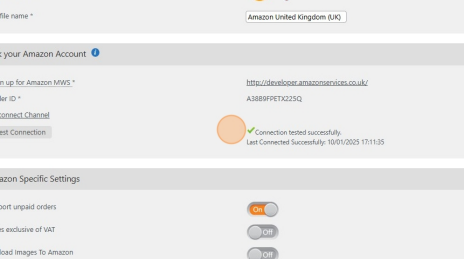
12 Please inform Iconography that your account is connected to StoreFeeder